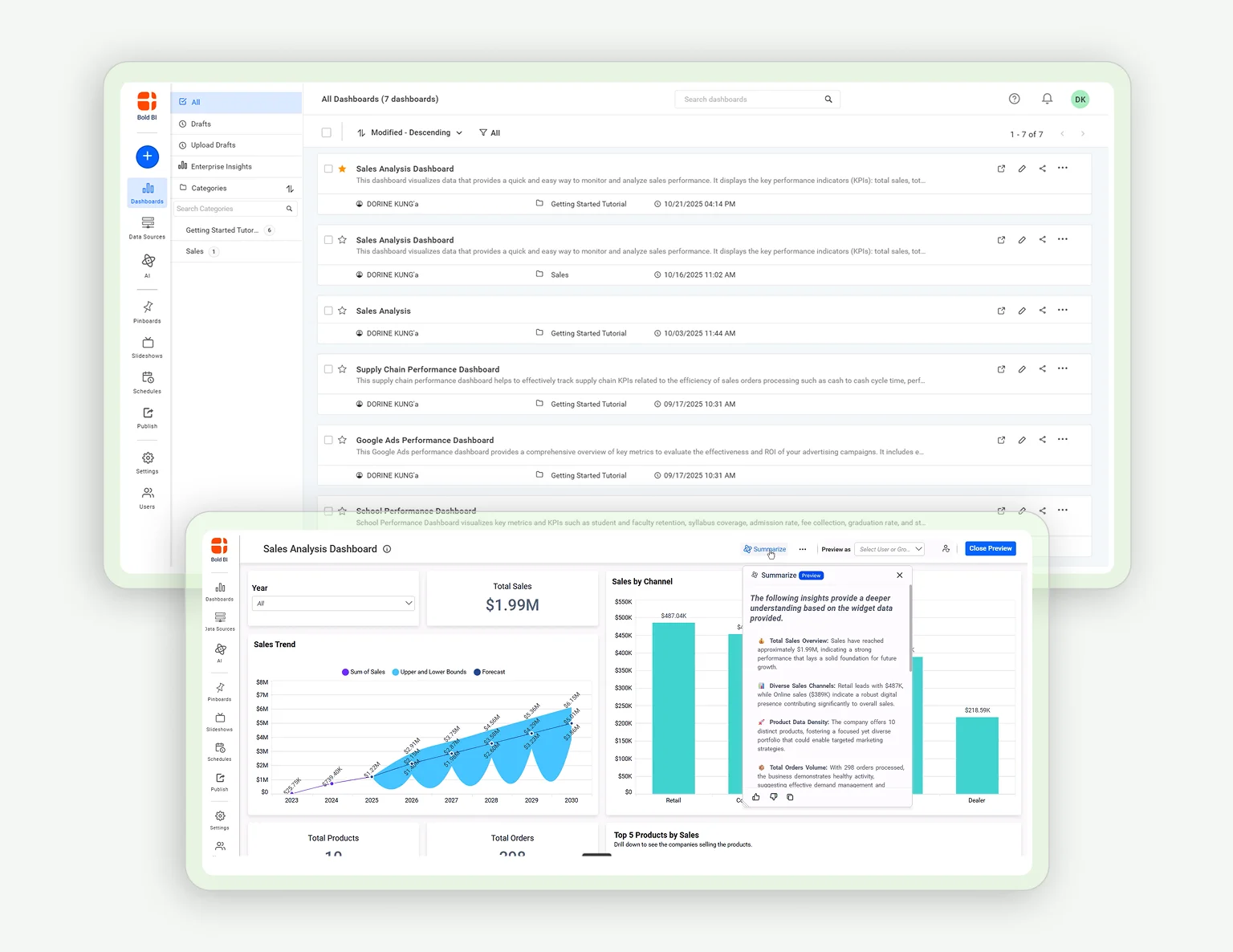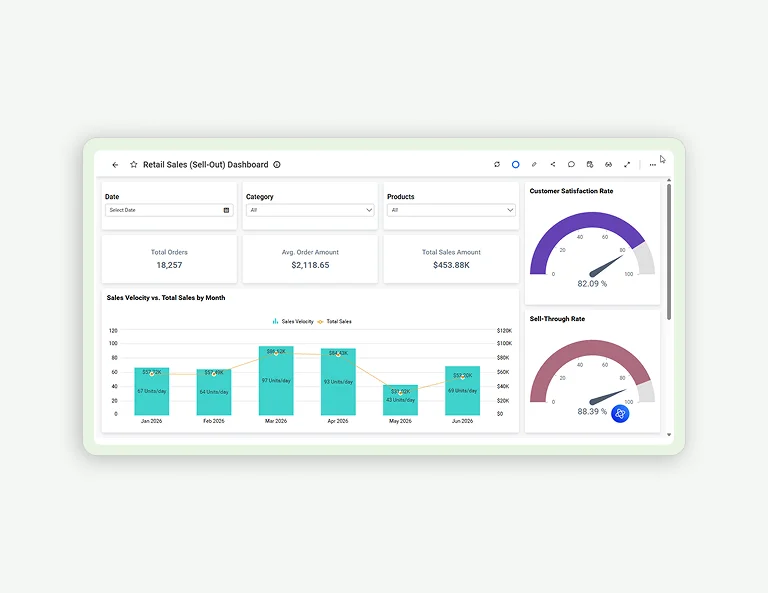
How to Create Your First Dashboard 05:25

How to Create Your First Dashboard
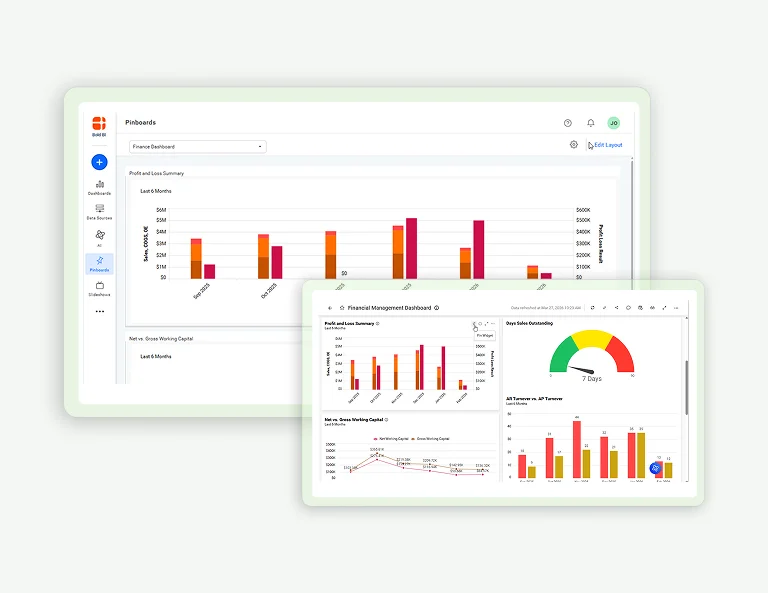
How to Manage Pinboards 03:06

How to Manage Pinboards

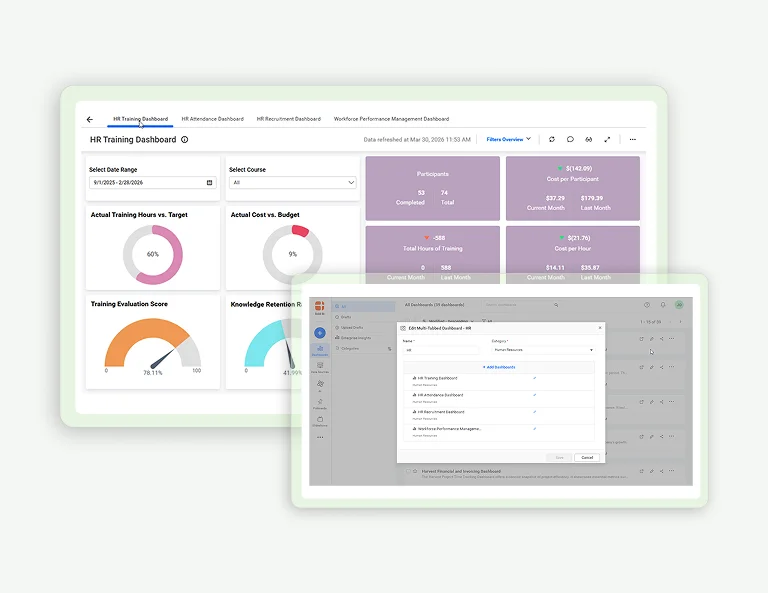
How to Manage a Multi-Tabbed Dashboard 03:14
How to Manage a Multi-Tabbed Dashboard

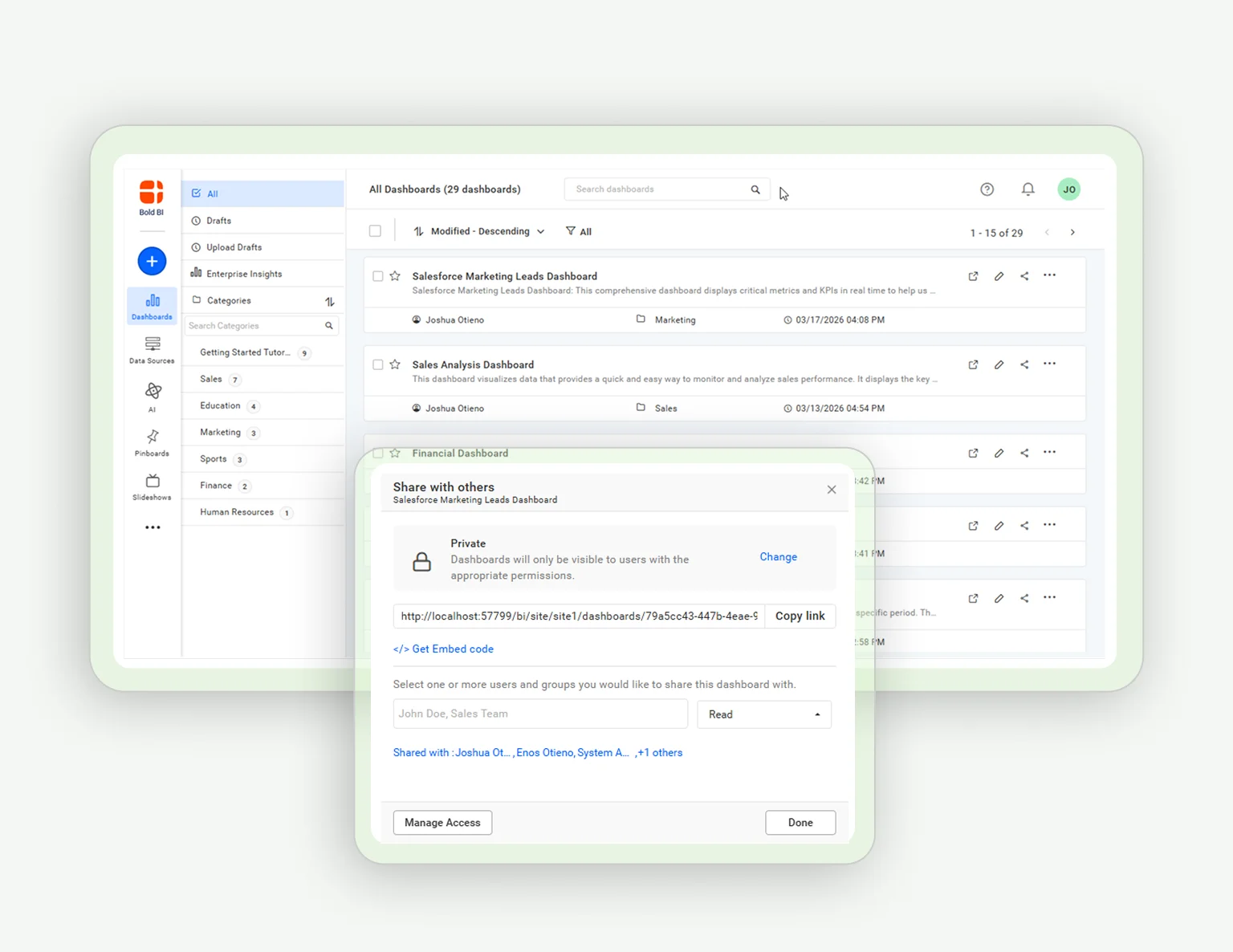
Dashboard Management: Move, Share, & Delete 03:05
Dashboard Management: Move, Share, & Delete

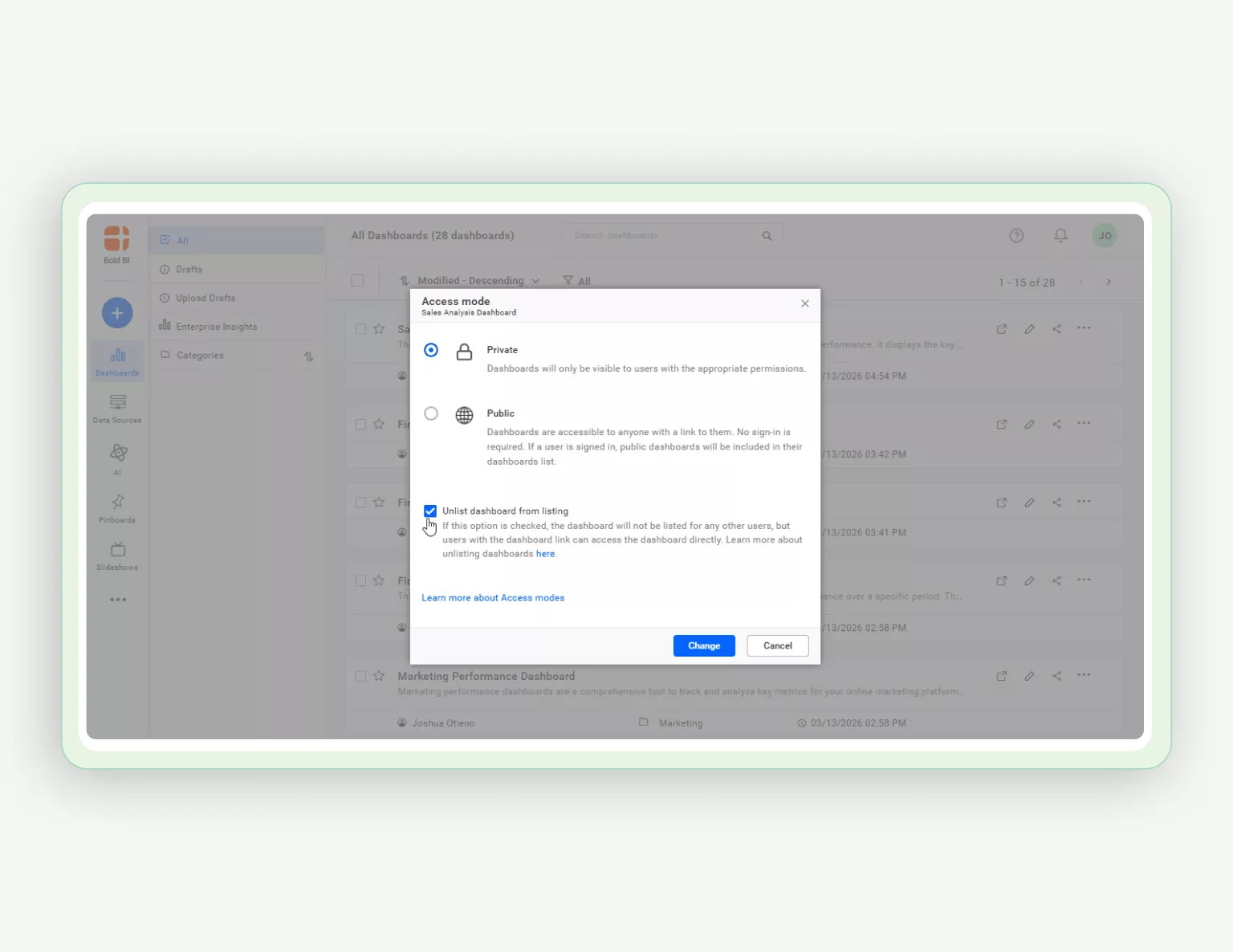
How to Manage Favorites and Unlist Dashboards 04:08
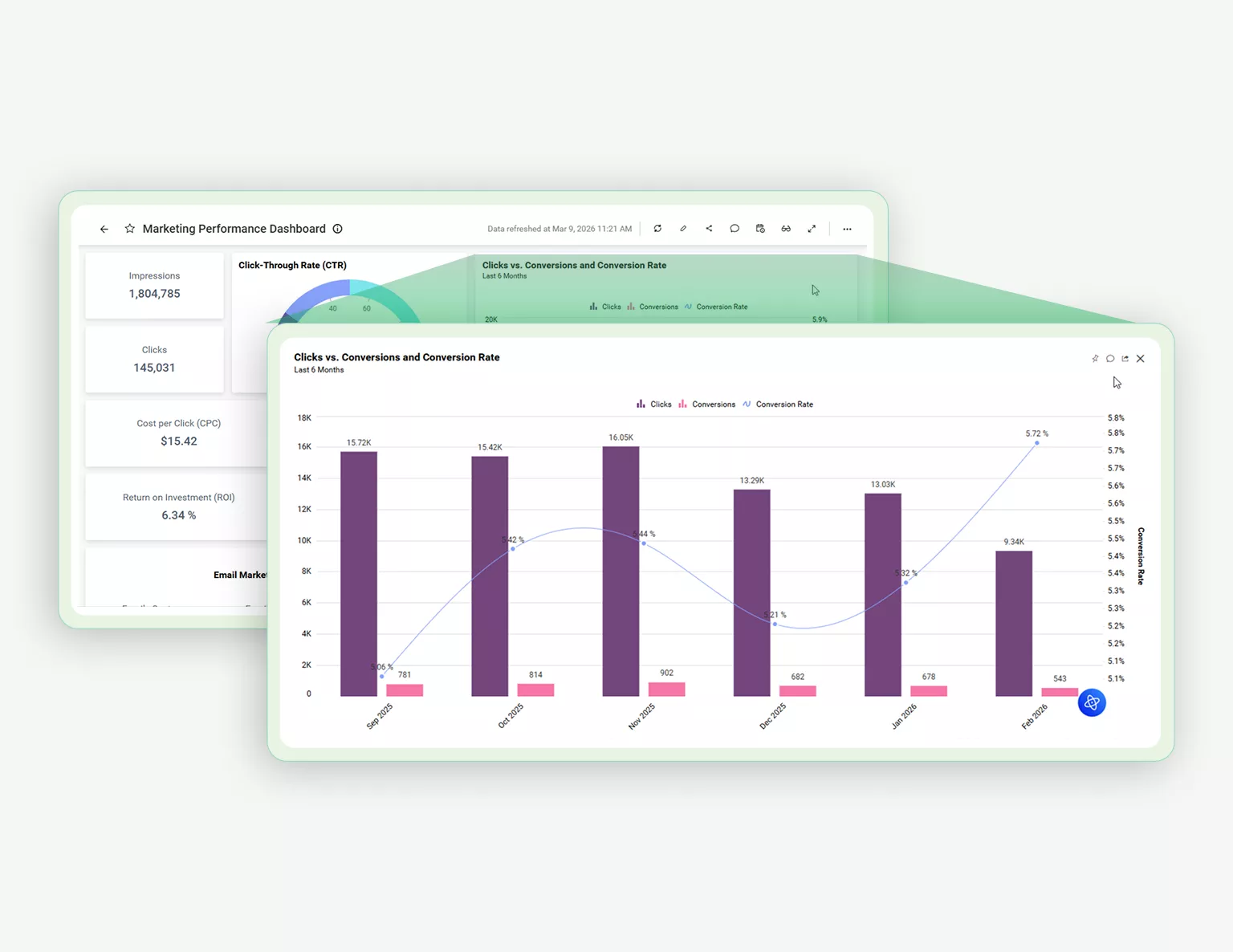
How to Manage Favorites and Unlist Dashboards

How to Get a Dashboard Link and Maximize Widget View 02:41
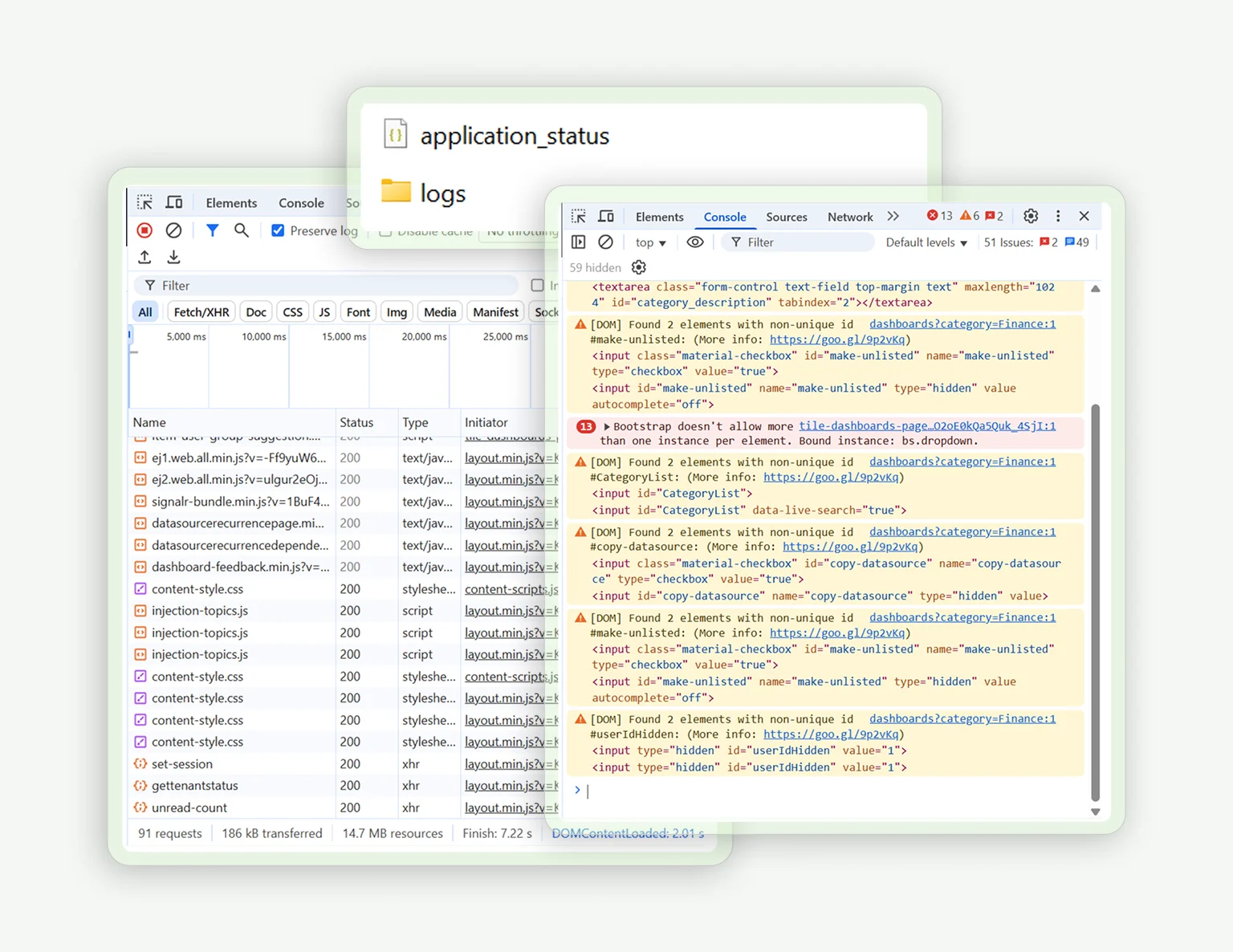
How to Get a Dashboard Link and Maximize Widget View

How to Share Error Logs, Console Logs, and a HAR file 03:26
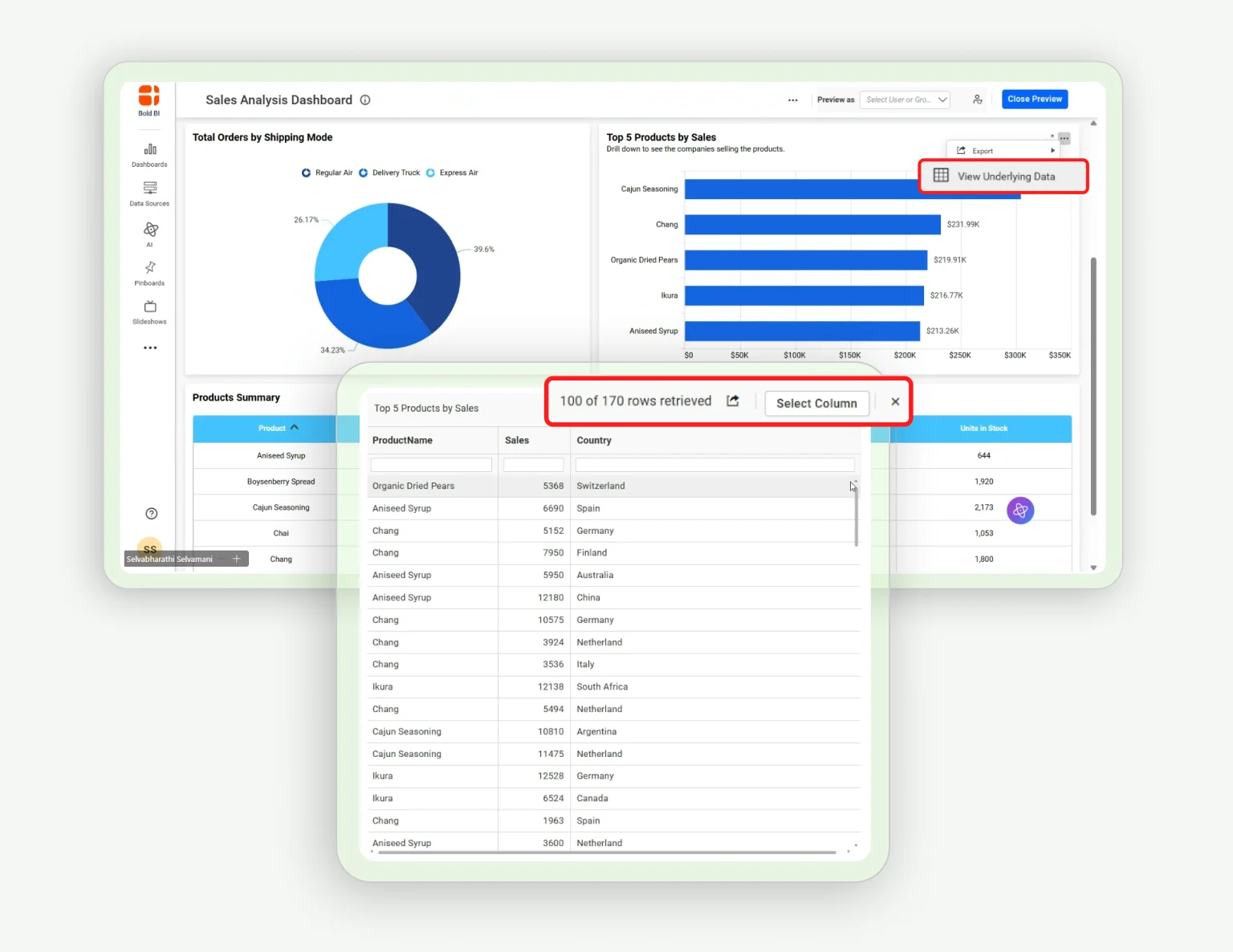
How to Share Error Logs, Console Logs, and a HAR file

How to View the Widget Data in a Dashboard 04:10
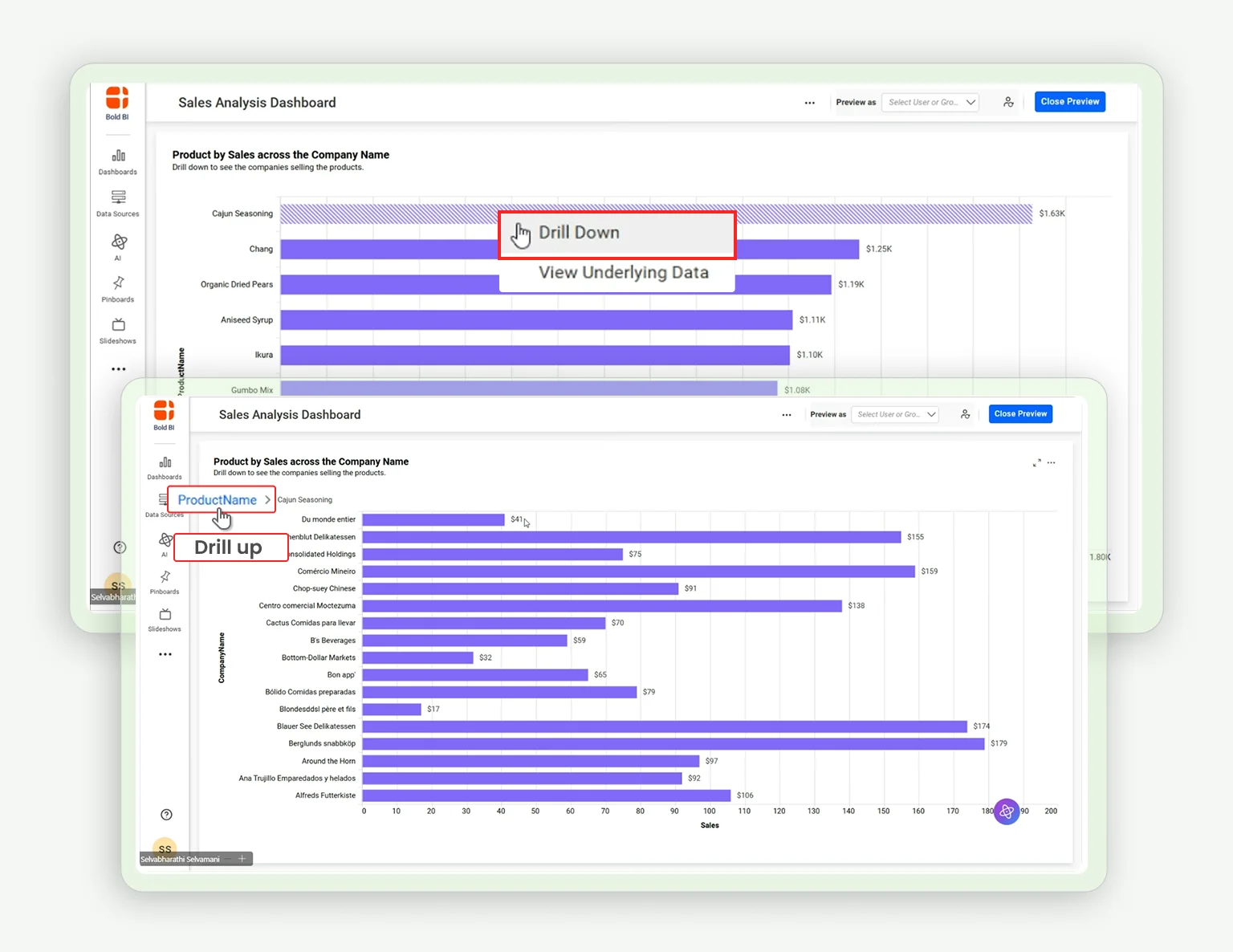
How to View the Widget Data in a Dashboard

How to Enable Drill Down and Drill Up in Bold BI Widgets 02:47
How to Enable Drill Down and Drill Up in Bold BI Widgets

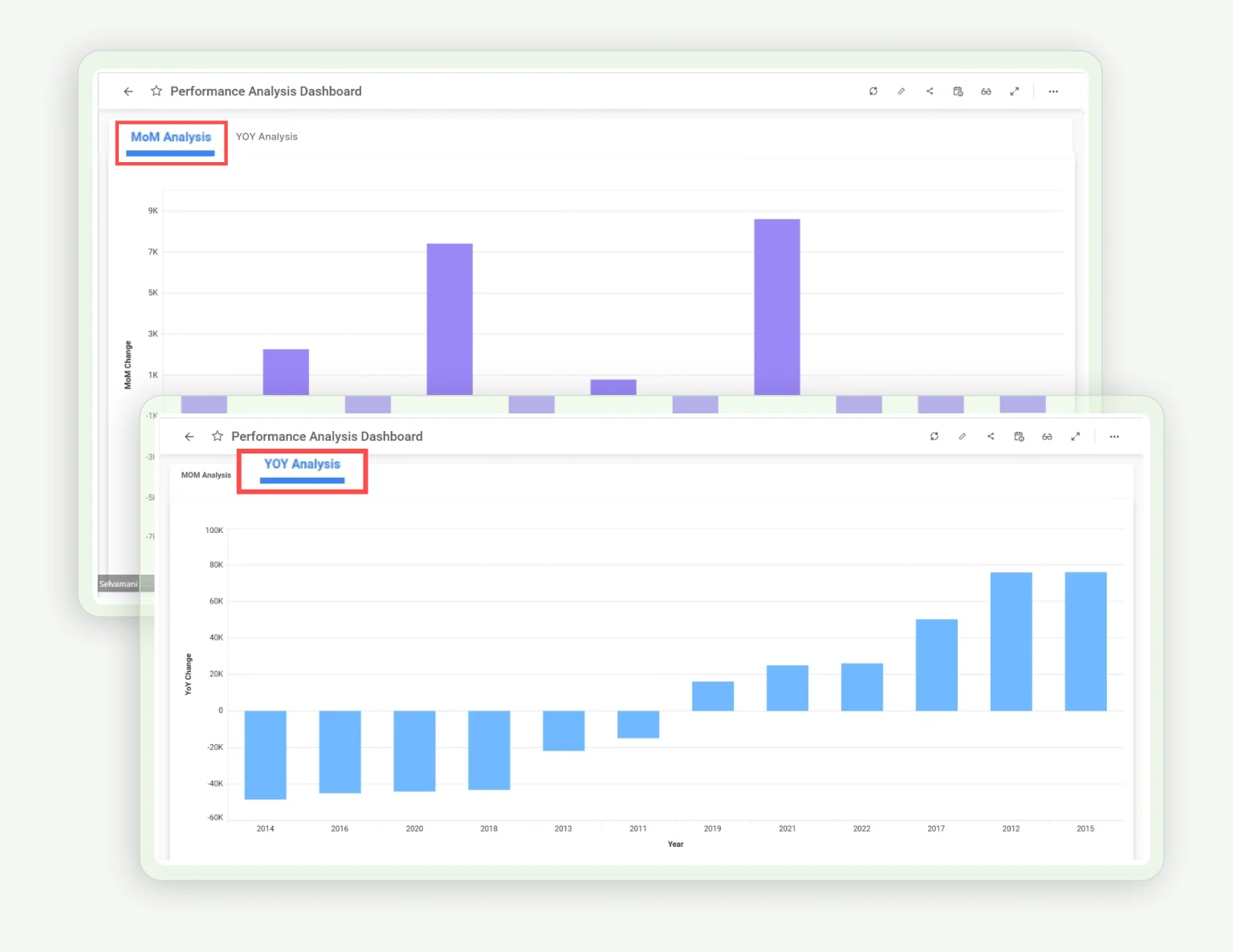
How to Create a Year-Over-Year (YOY) and Month-Over-Month (MOM) Sales Comparison Dashboard 05:07
How to Create a Year-Over-Year (YOY) and Month-Over-Month (MOM) Sales Comparison Dashboard

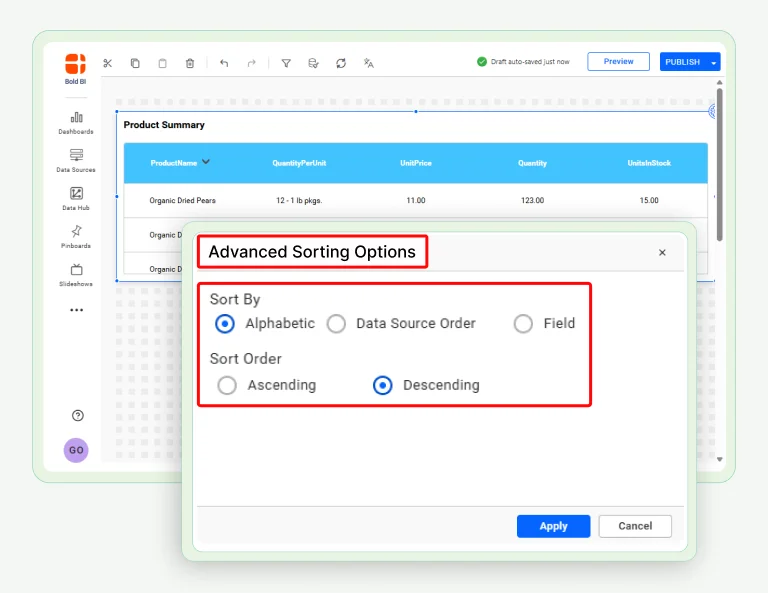
How to Add Custom Sorting to Dashboards 02:33
How to Add Custom Sorting to Dashboards

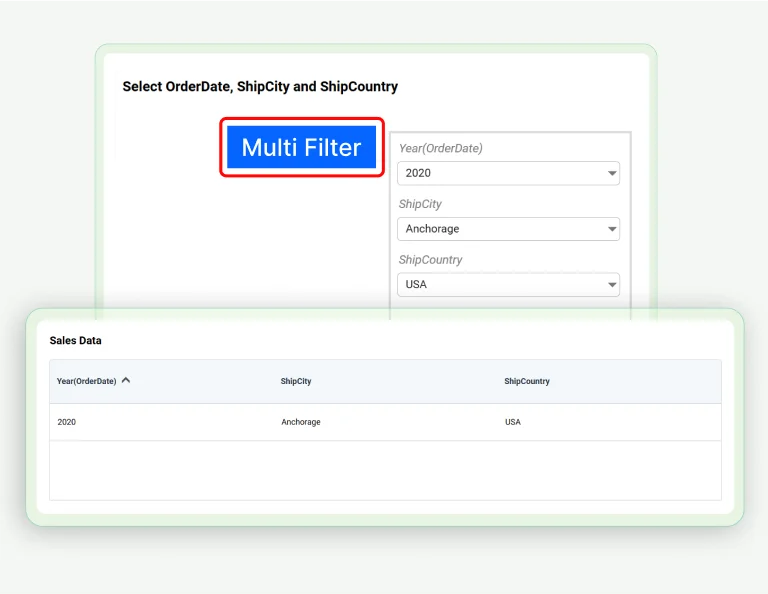
How to Add Multiple Filters to a Dashboard Using Custom Widgets 02:20
How to Add Multiple Filters to a Dashboard Using Custom Widgets

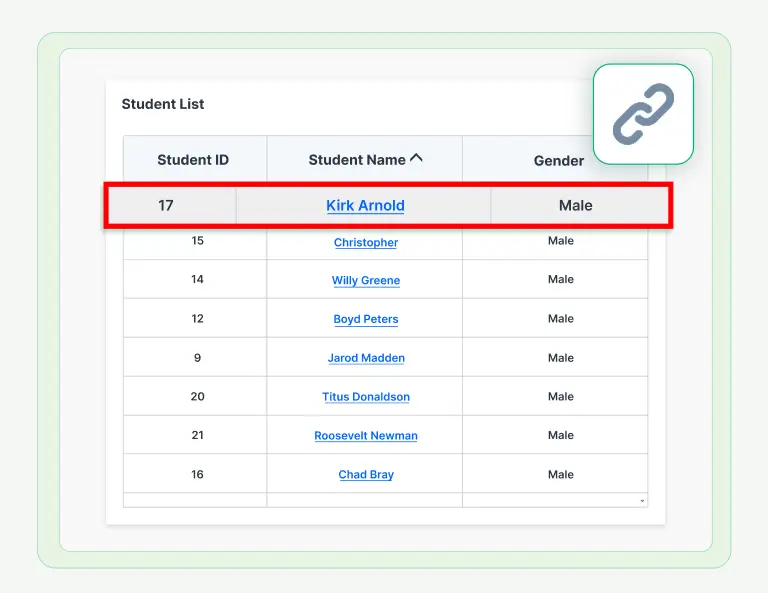
How to Add Drilldown to a Grid Widget Using Linking 02:28
How to Add Drilldown to a Grid Widget Using Linking

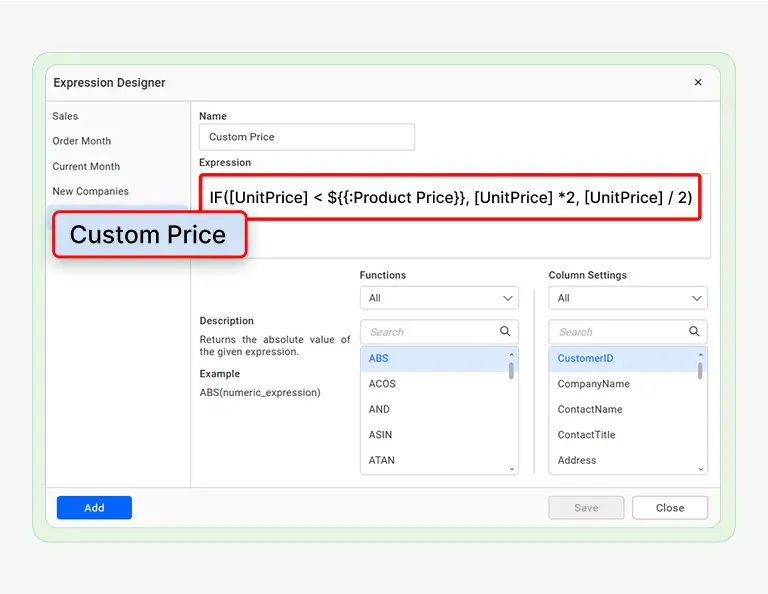
How to Create Expressions with Custom Attributes in Dashboards 03:01
How to Create Expressions with Custom Attributes in Dashboards

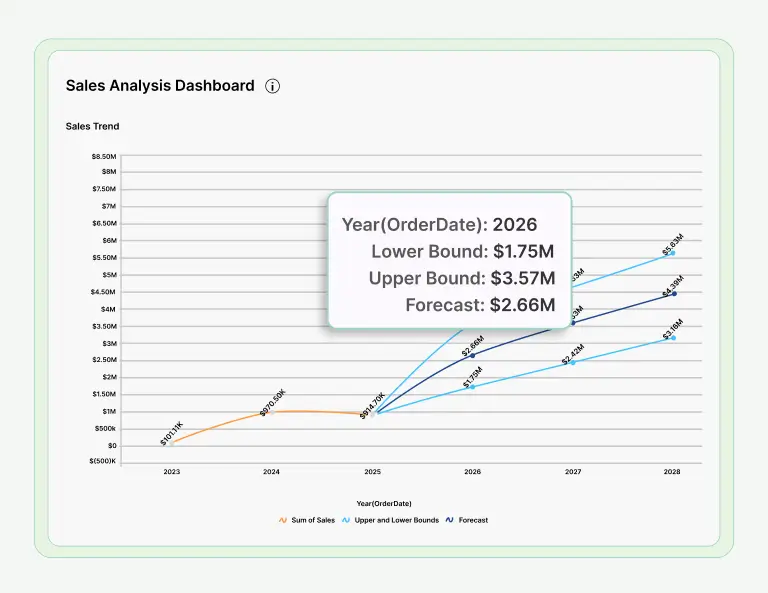
How to Predict Future Trends Using Forecasting Models 03:01
How to Predict Future Trends Using Forecasting Models

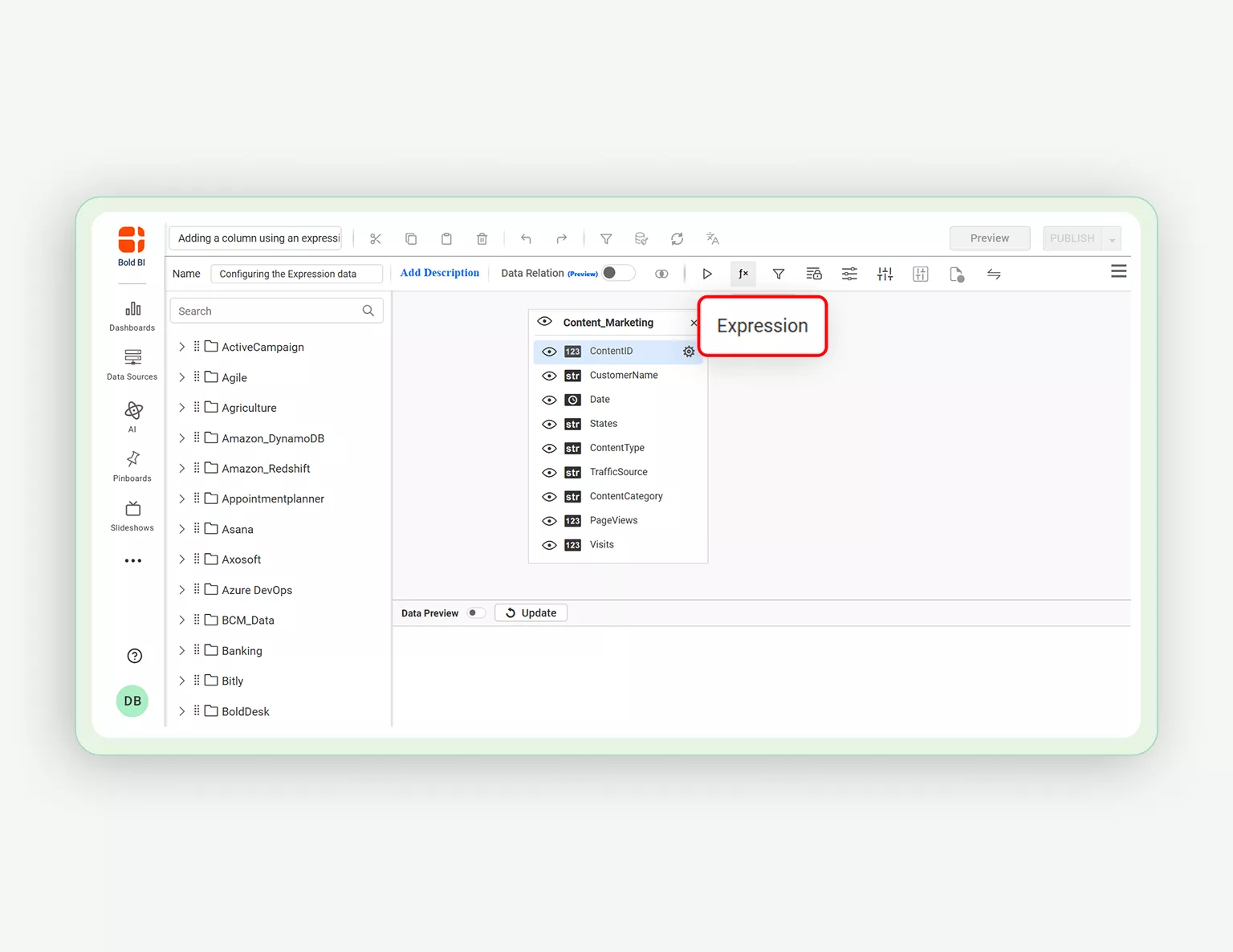
How to Add a Column using an Expression in Query Designer 02:36
How to Add a Column using an Expression in Query Designer

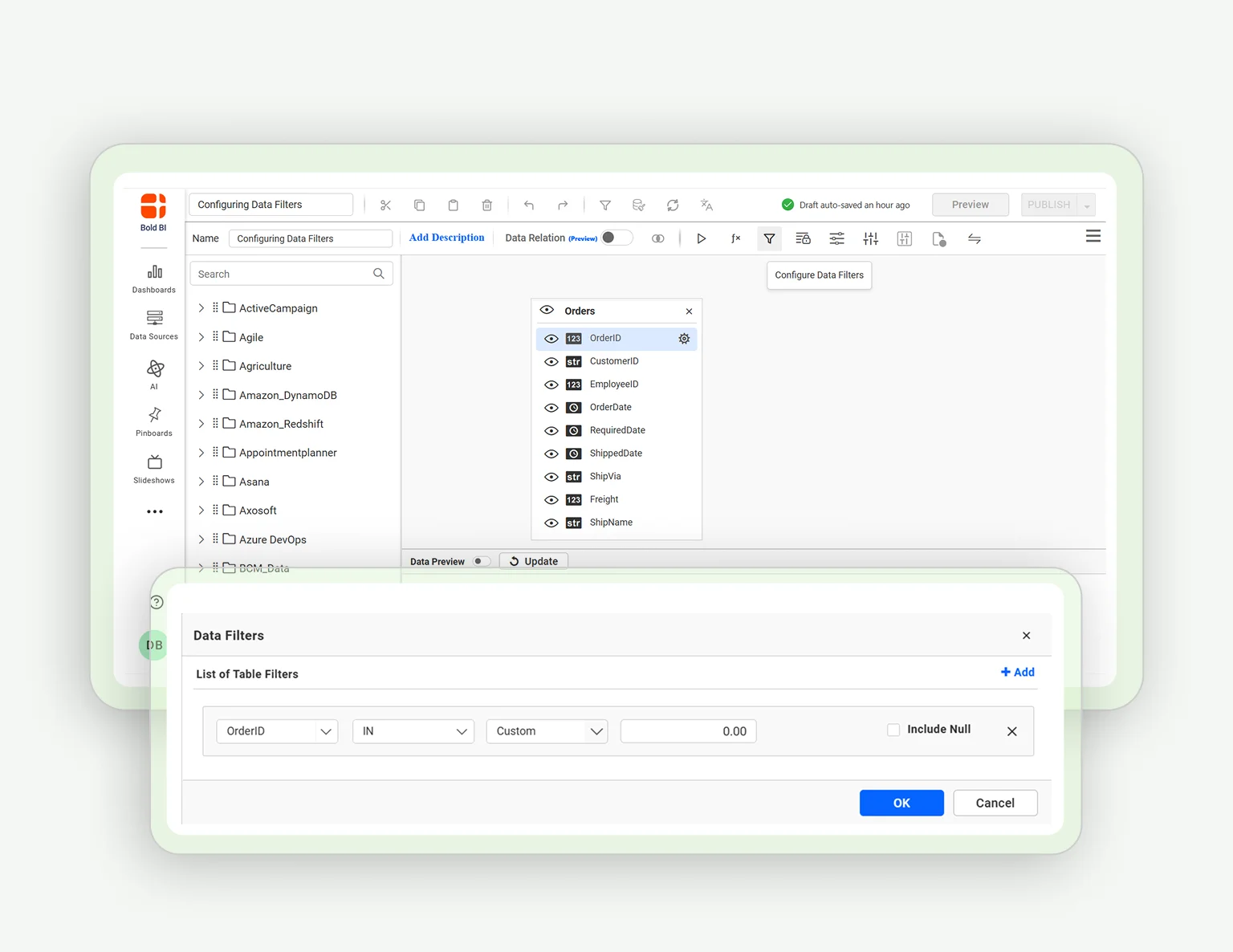
How to Configure Data Filters in Data Sources 03:23
How to Configure Data Filters in Data Sources

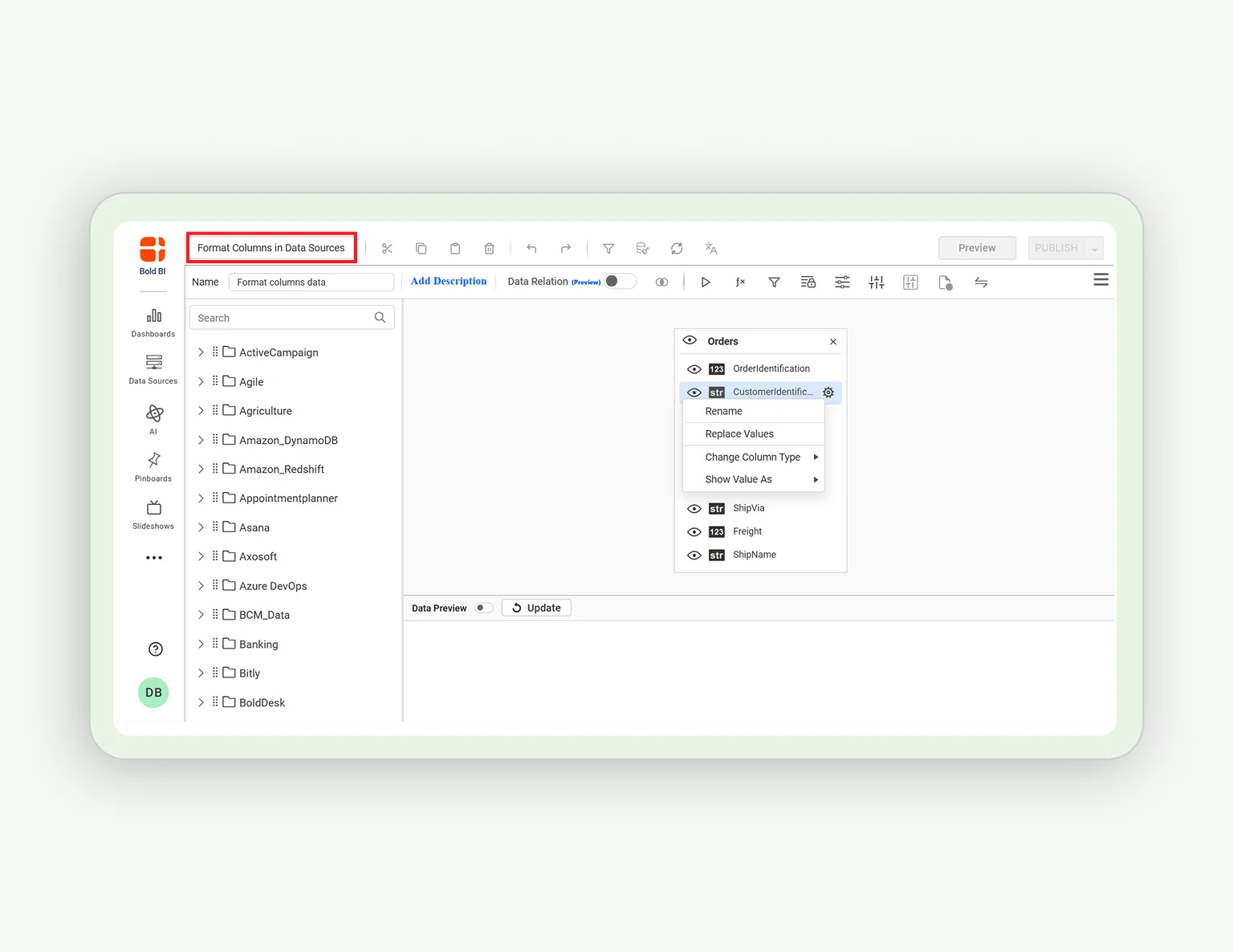
How to Format Columns in Data Sources 02:29

How to Format Columns in Data Sources
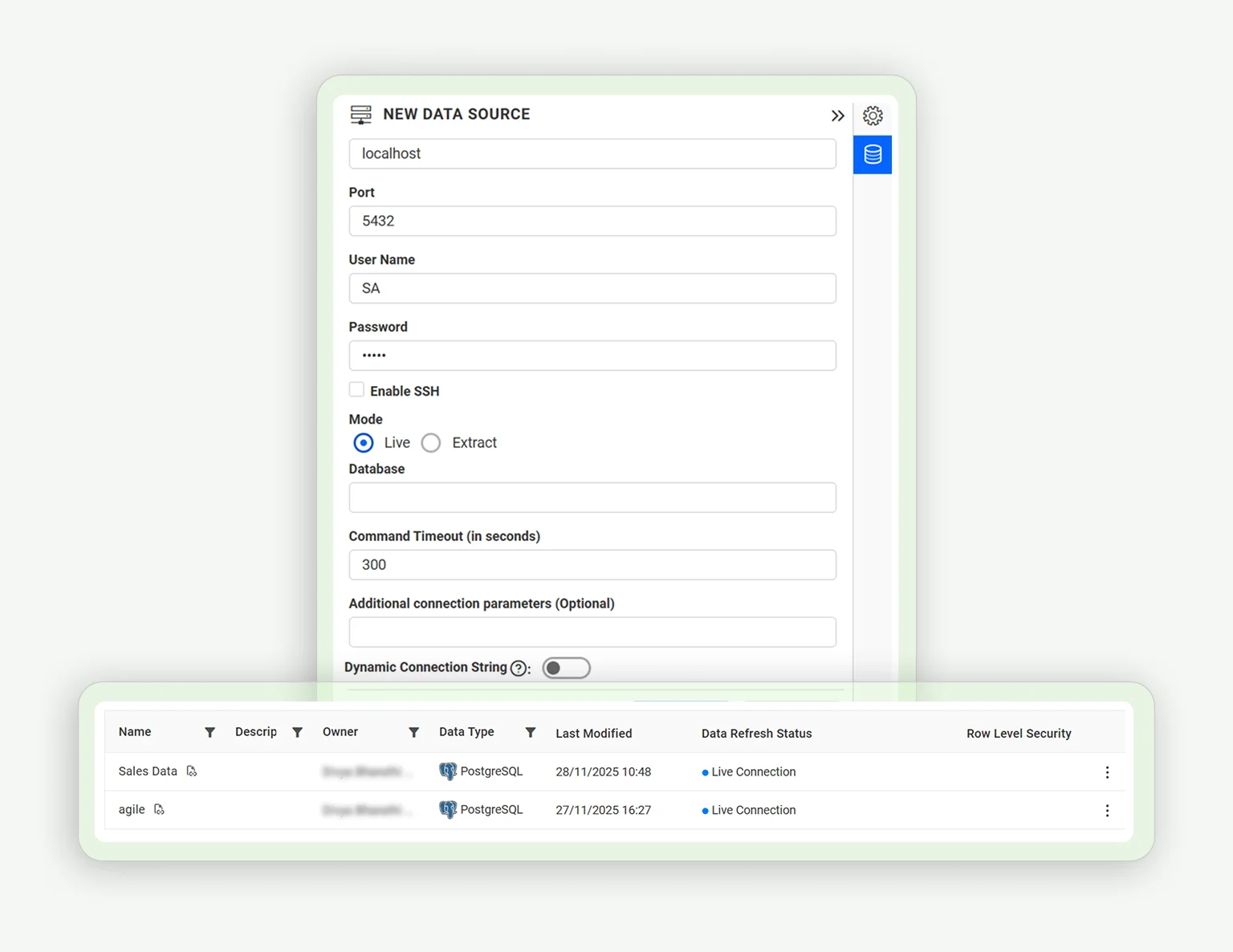
How to Connect to a Data Source in Live Mode 03:55
How to Connect to a Data Source in Live Mode

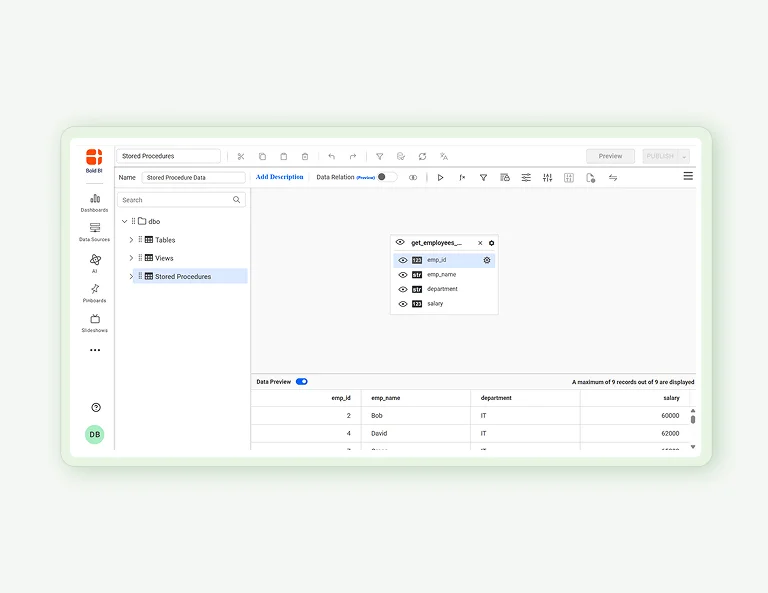
How to Connect to Stored Procedures in a SQL Server Database 02:07
How to Connect to Stored Procedures in a SQL Server Database

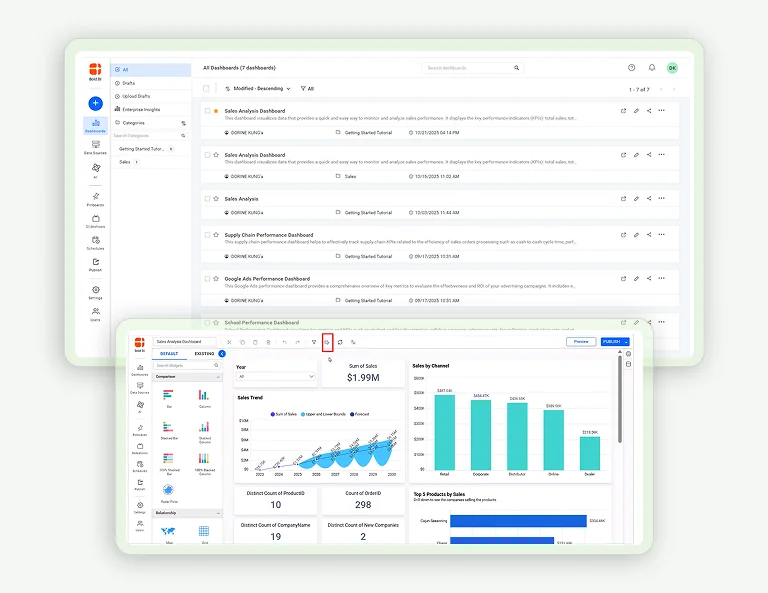
How to Add Data Caching in Dashboards 02:41

How to Add Data Caching in Dashboards
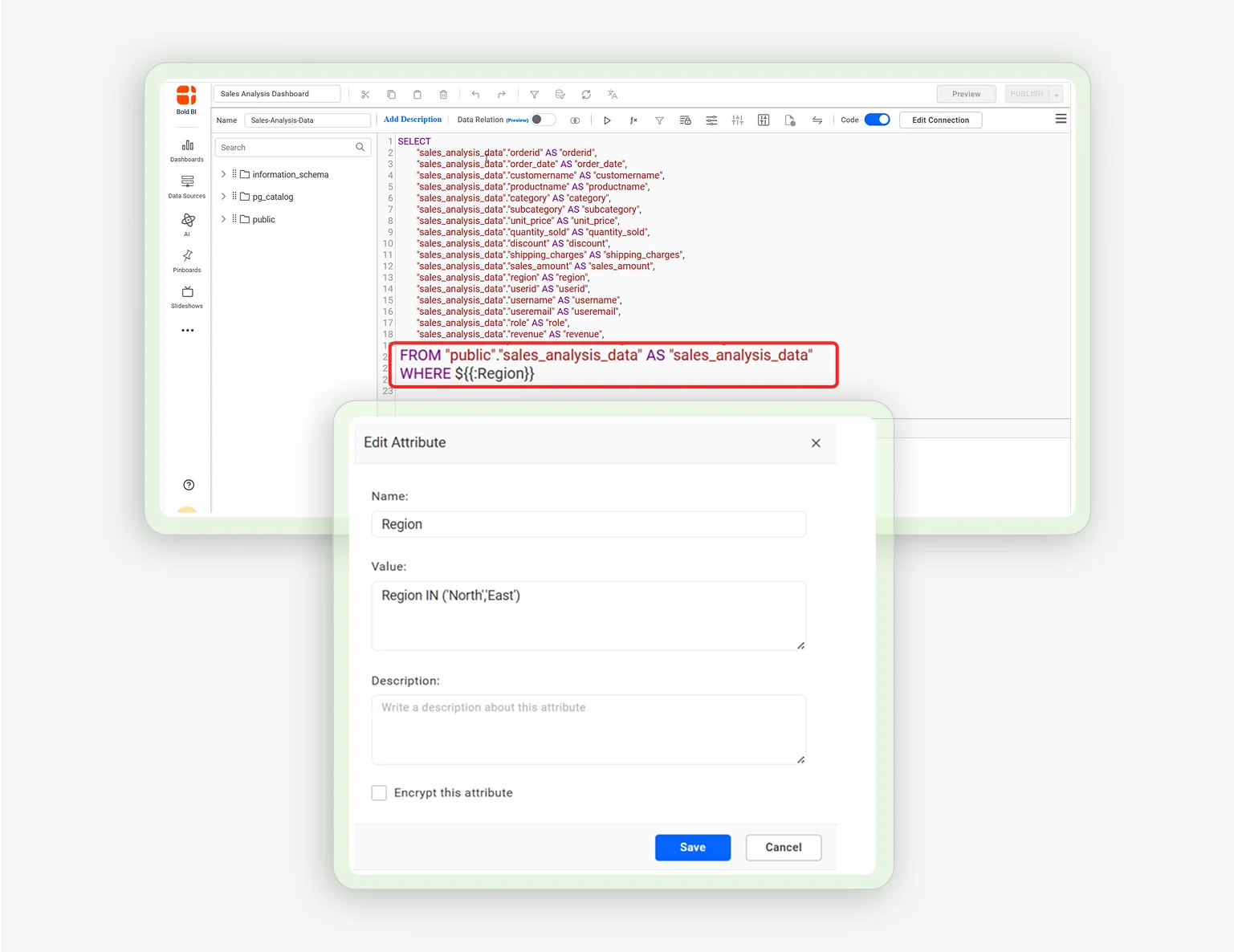
How to Filter Data from Data Sources Using Custom Attributes 03:17
How to Filter Data from Data Sources Using Custom Attributes

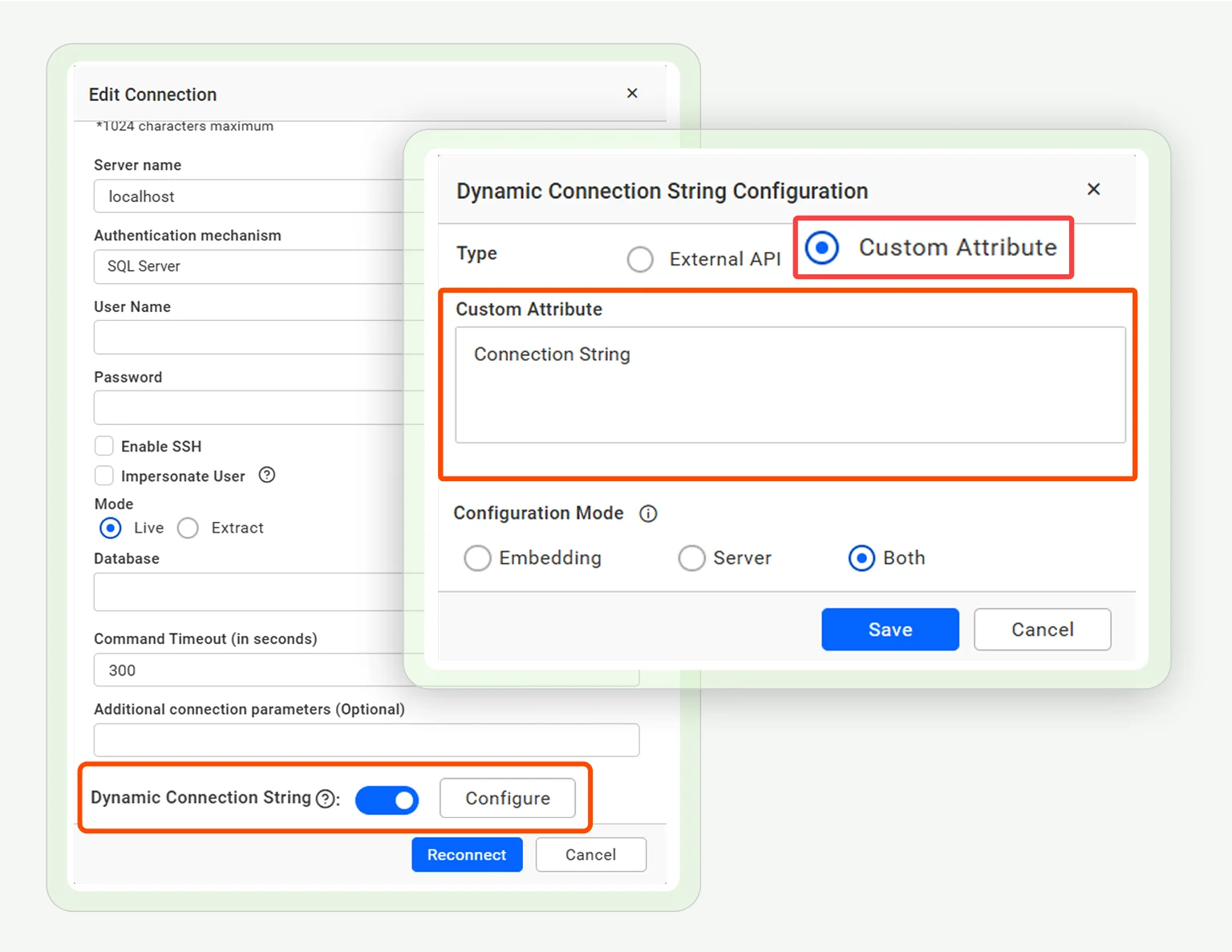
How to Configure Dynamic Connection String Using Custom Attributes in Dashboard 03:39
How to Configure Dynamic Connection String Using Custom Attributes in Dashboard

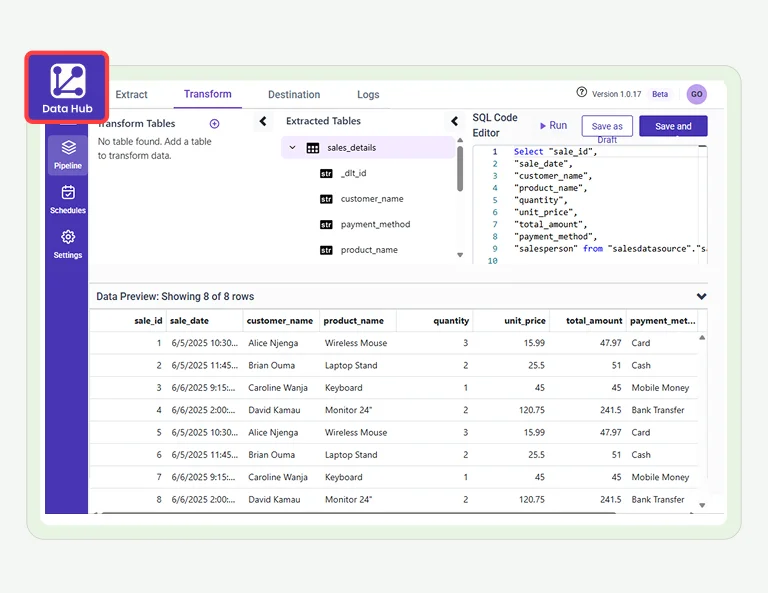
How to Create a Data Source Using Bold Data Hub 02:51

How to Create a Data Source Using Bold Data Hub

How to Encrypt and Decrypt Data in SQL Server 02:30
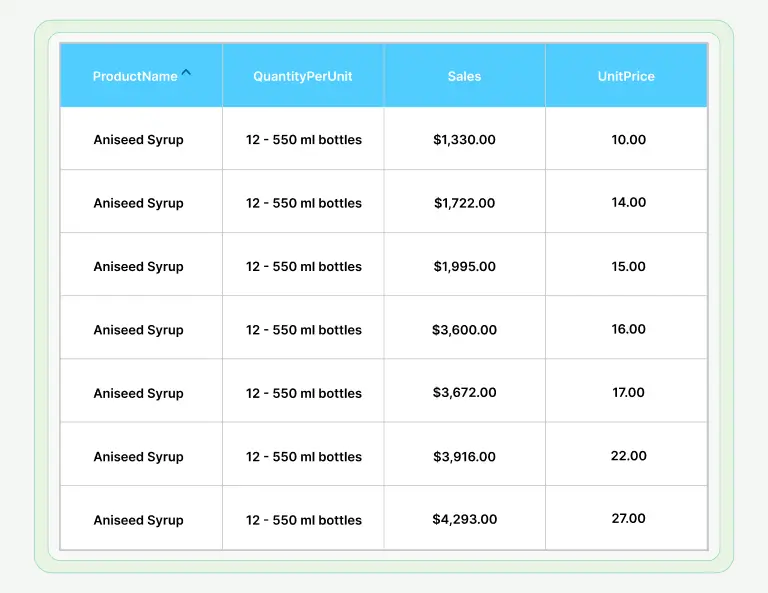
How to Encrypt and Decrypt Data in SQL Server

How to Apply Row-Level Security with Multiple CSV Files in Dashboard 03:27
How to Apply Row-Level Security with Multiple CSV Files in Dashboard

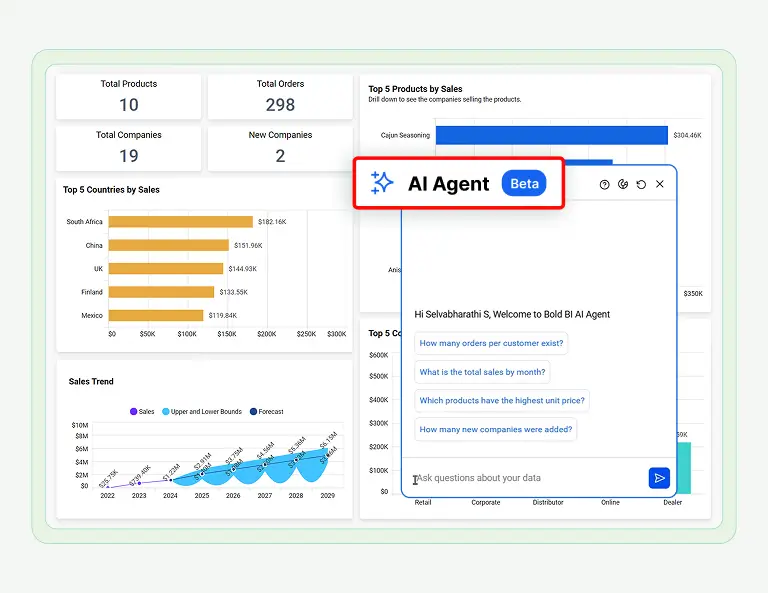
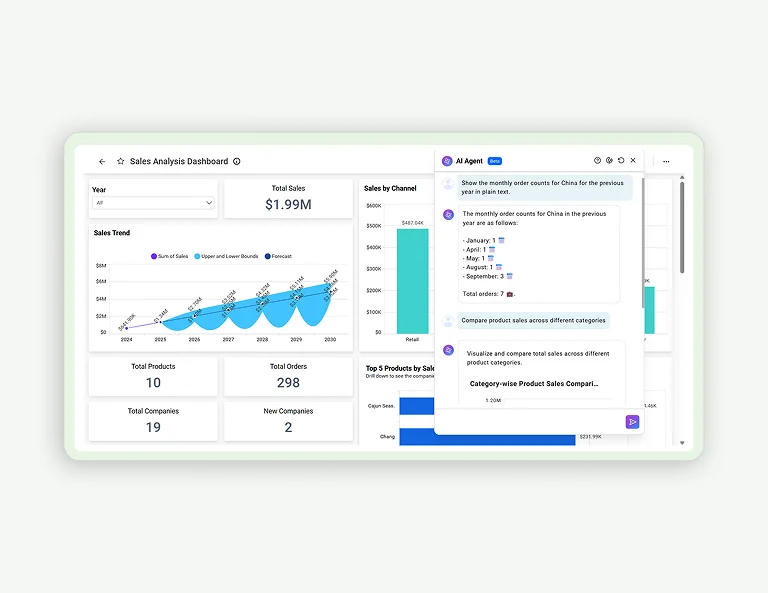
How to Use AI Agent in the Dashboard Viewer 01:35
How to Use AI Agent in the Dashboard Viewer

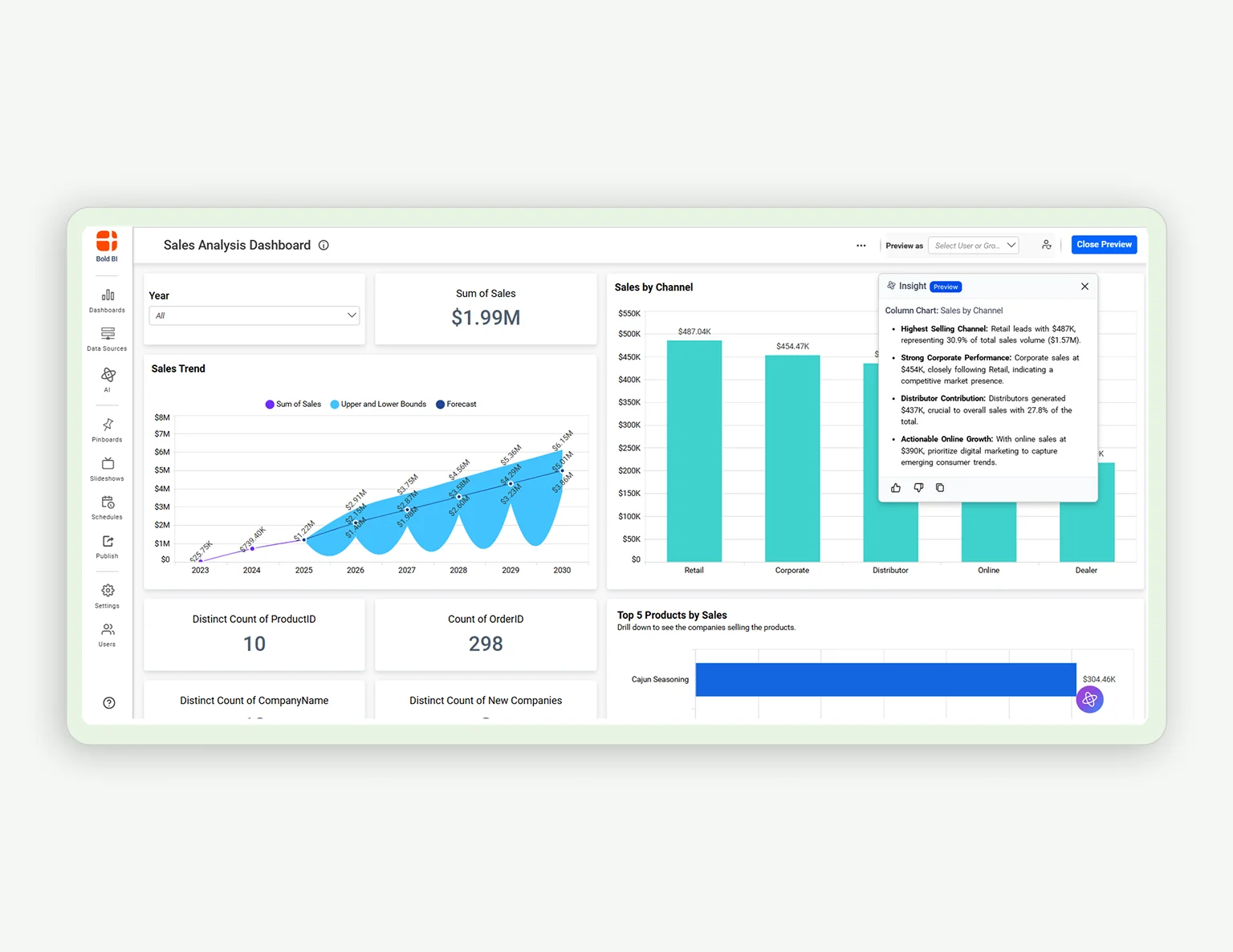
How to Use Widget Insights 01:53

How to Use Widget Insights

How to Use the Dashboard Summary 01:54

How to Use the Dashboard Summary
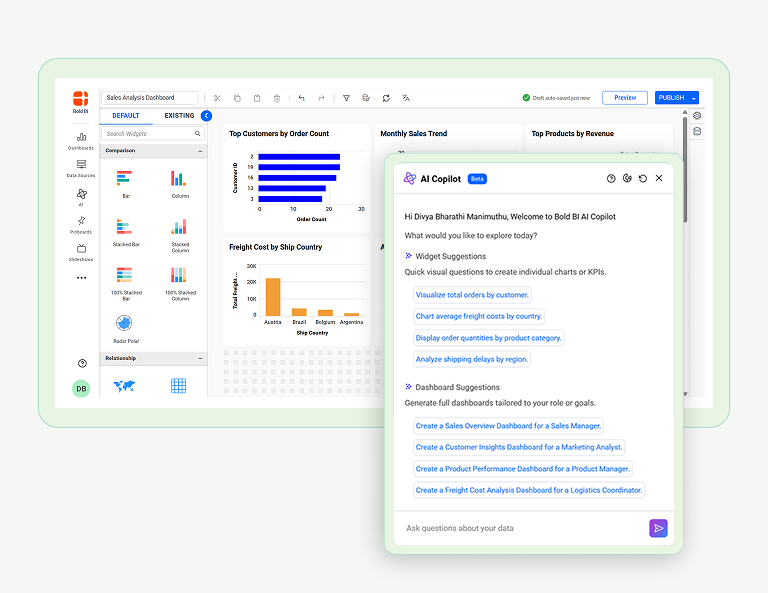
How to Use the AI Copilot in Dashboard Designer 02:10
How to Use the AI Copilot in Dashboard Designer

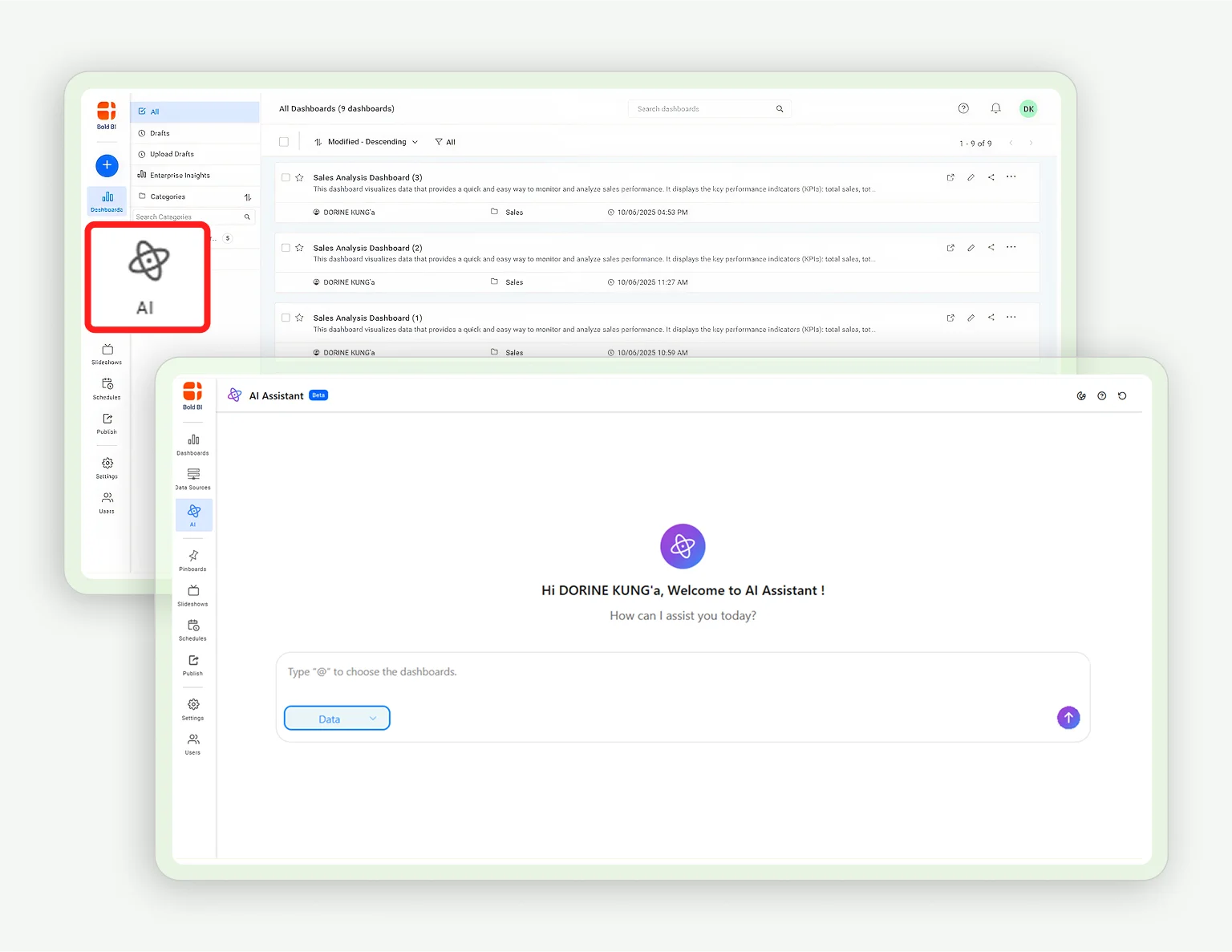
How to Use the Unified AI Agent 02:52

How to Use the Unified AI Agent

How to Use AI Copilot and Agents in Your Dashboards 02:23
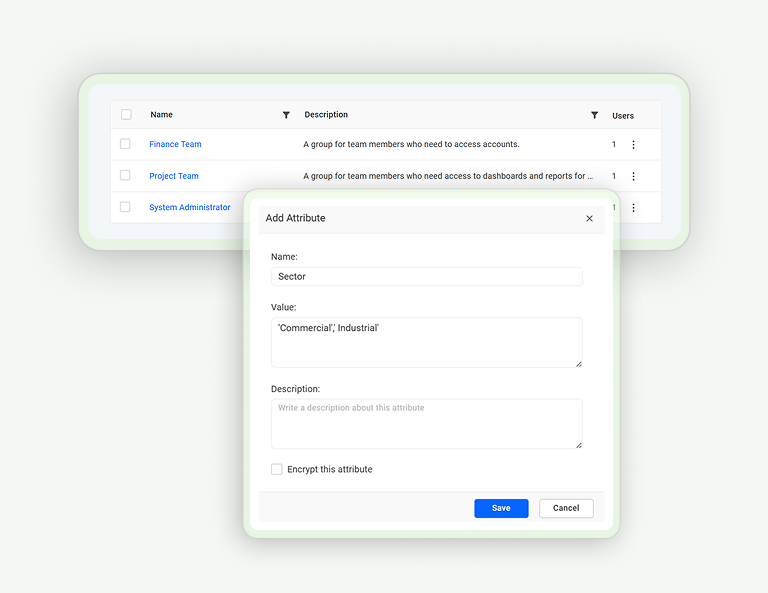
How to Use AI Copilot and Agents in Your Dashboards

How to Configure Custom Attributes at the Group Level 03:44
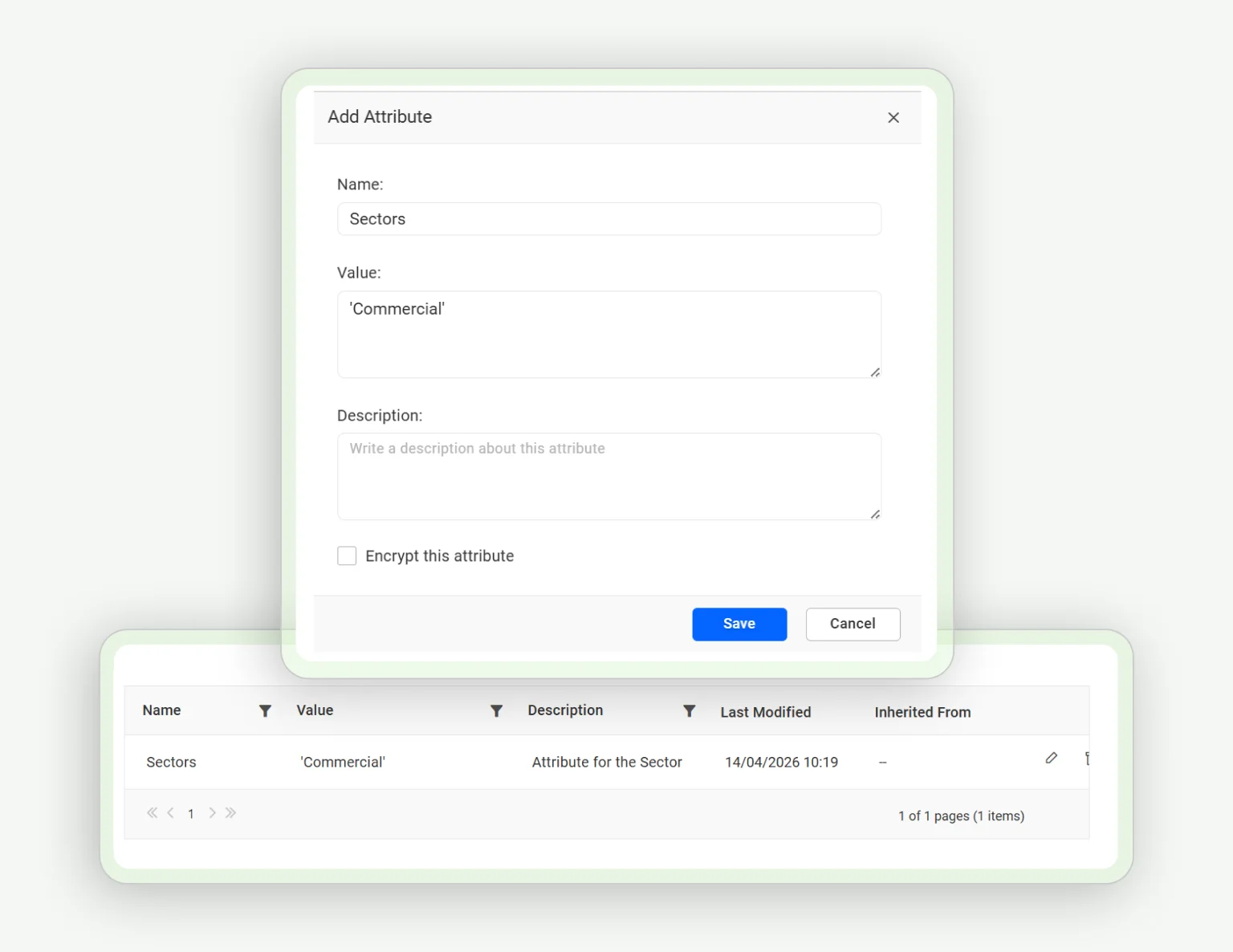
How to Configure Custom Attributes at the Group Level

How to Configure Custom Attributes at the User Level 03:28
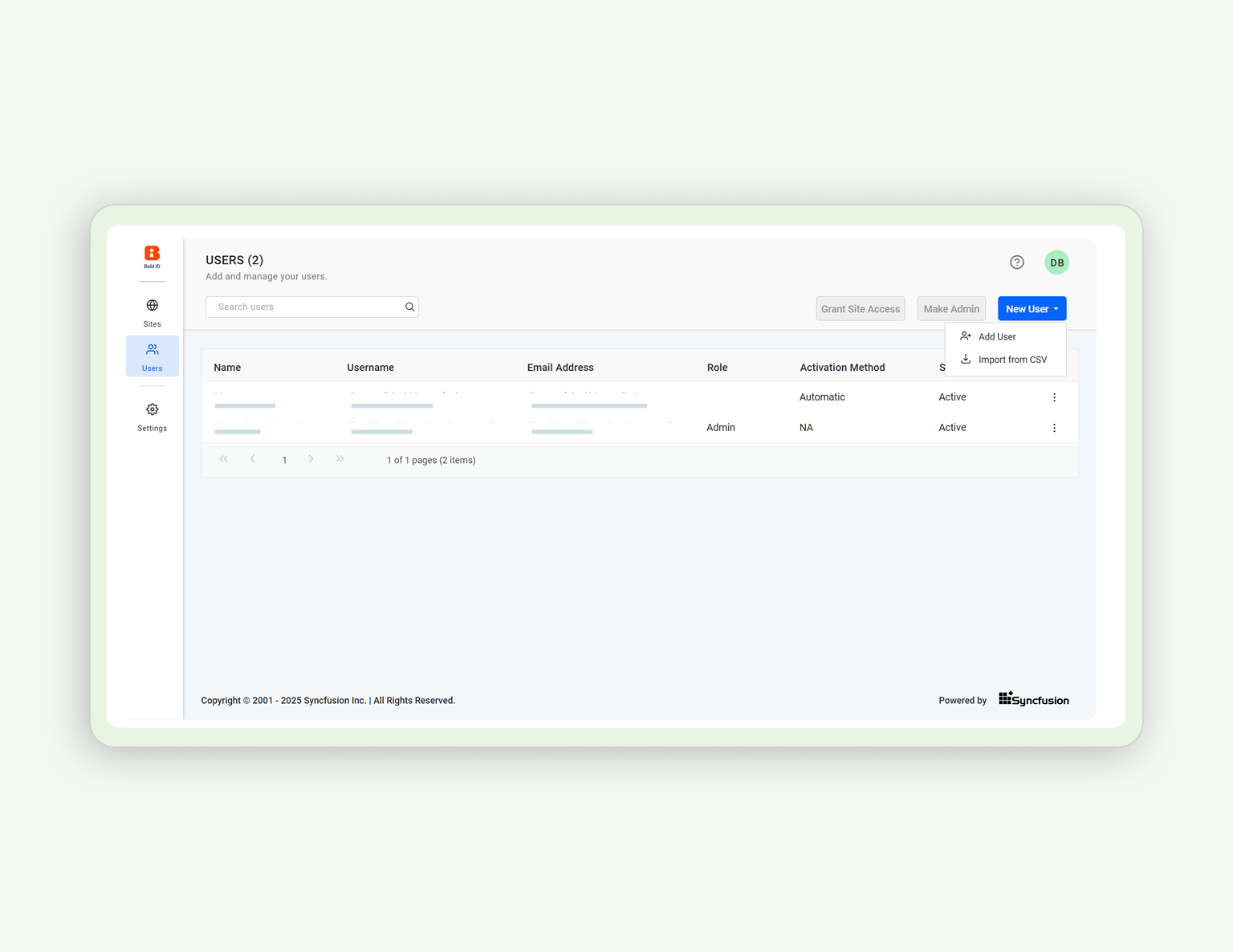
How to Configure Custom Attributes at the User Level

How to Add Users 03:12

How to Add Users

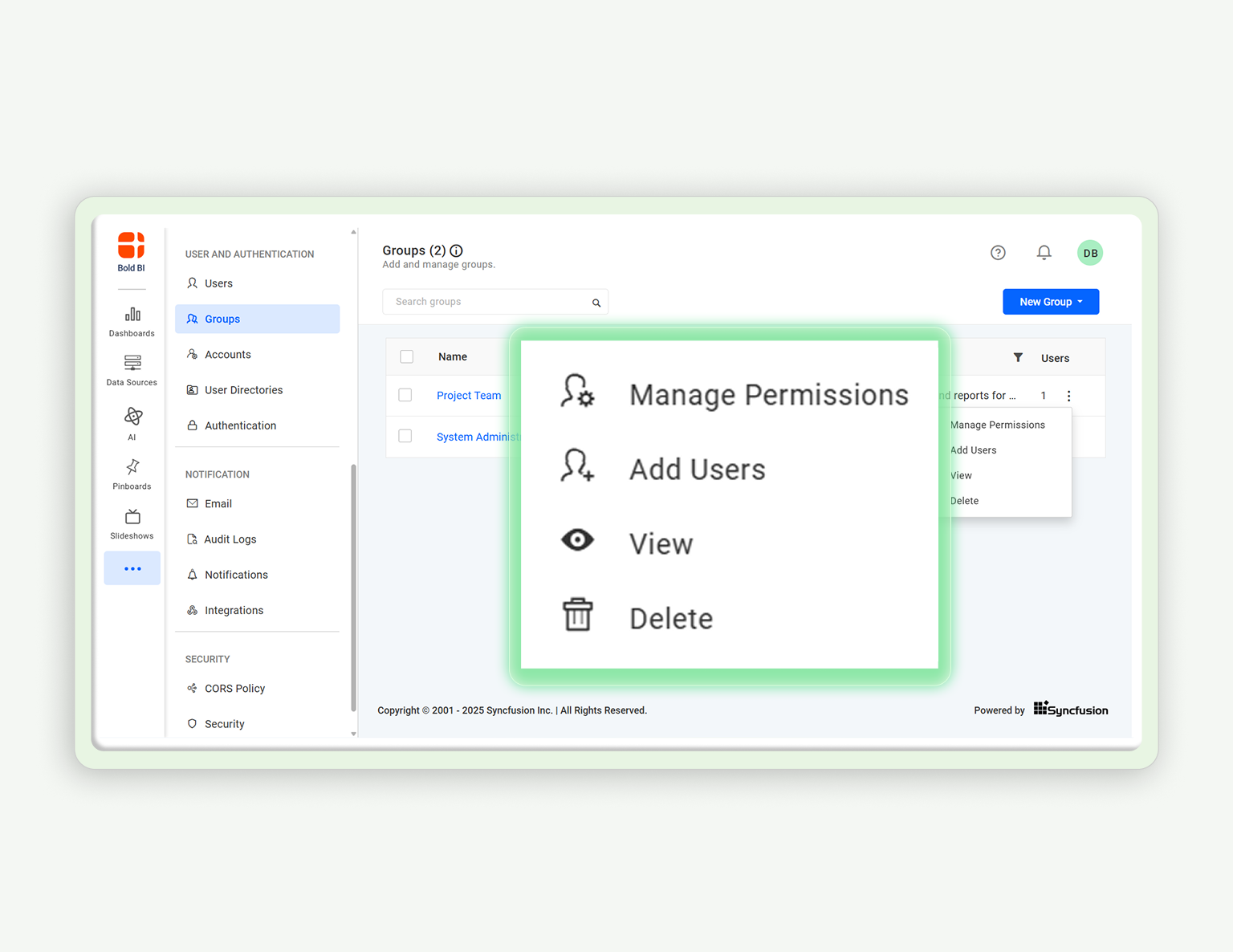
How to Add Groups and Manage Permissions 02:46
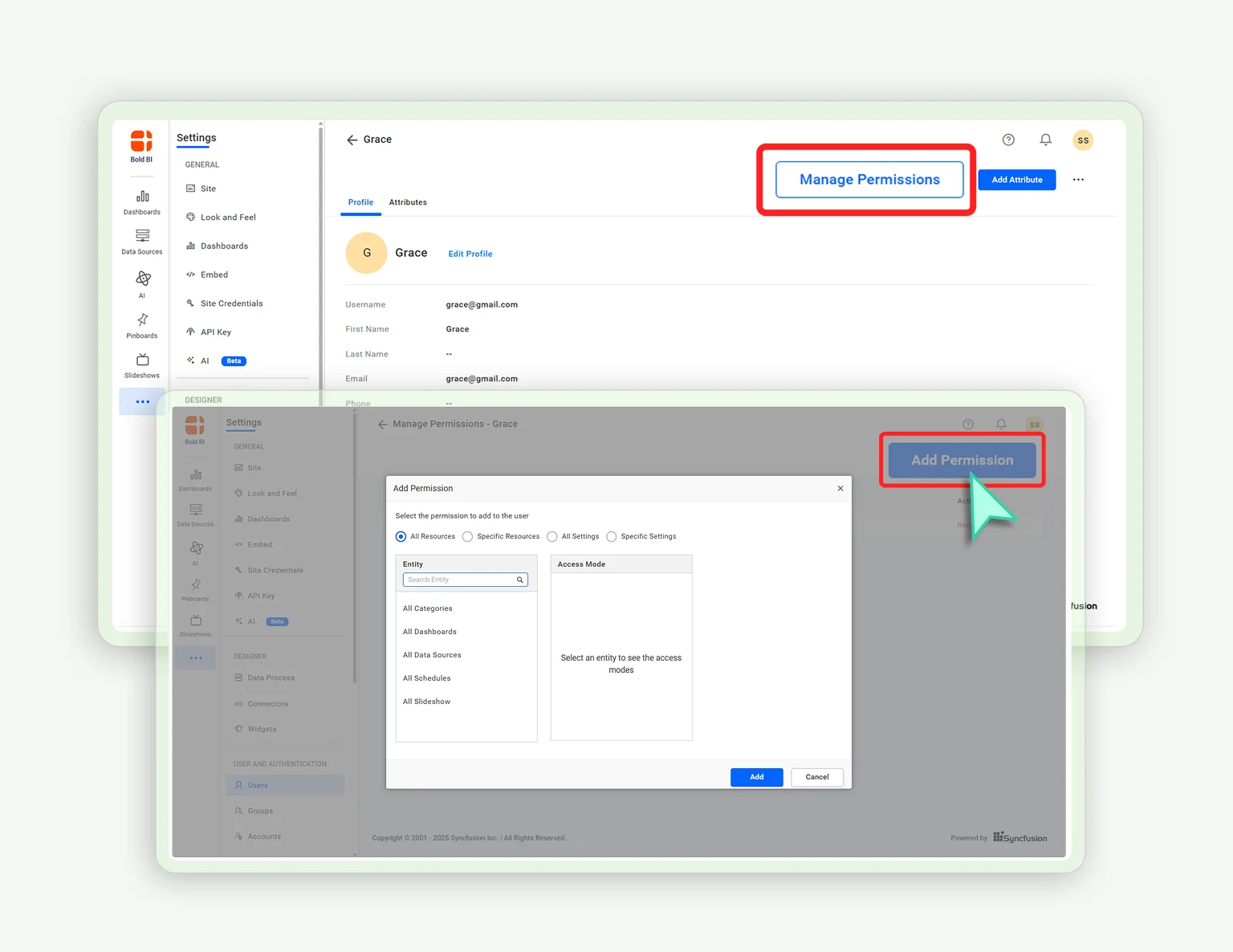
How to Add Groups and Manage Permissions

How to Manage Dashboard Permissions at the User Level 04:09
How to Manage Dashboard Permissions at the User Level

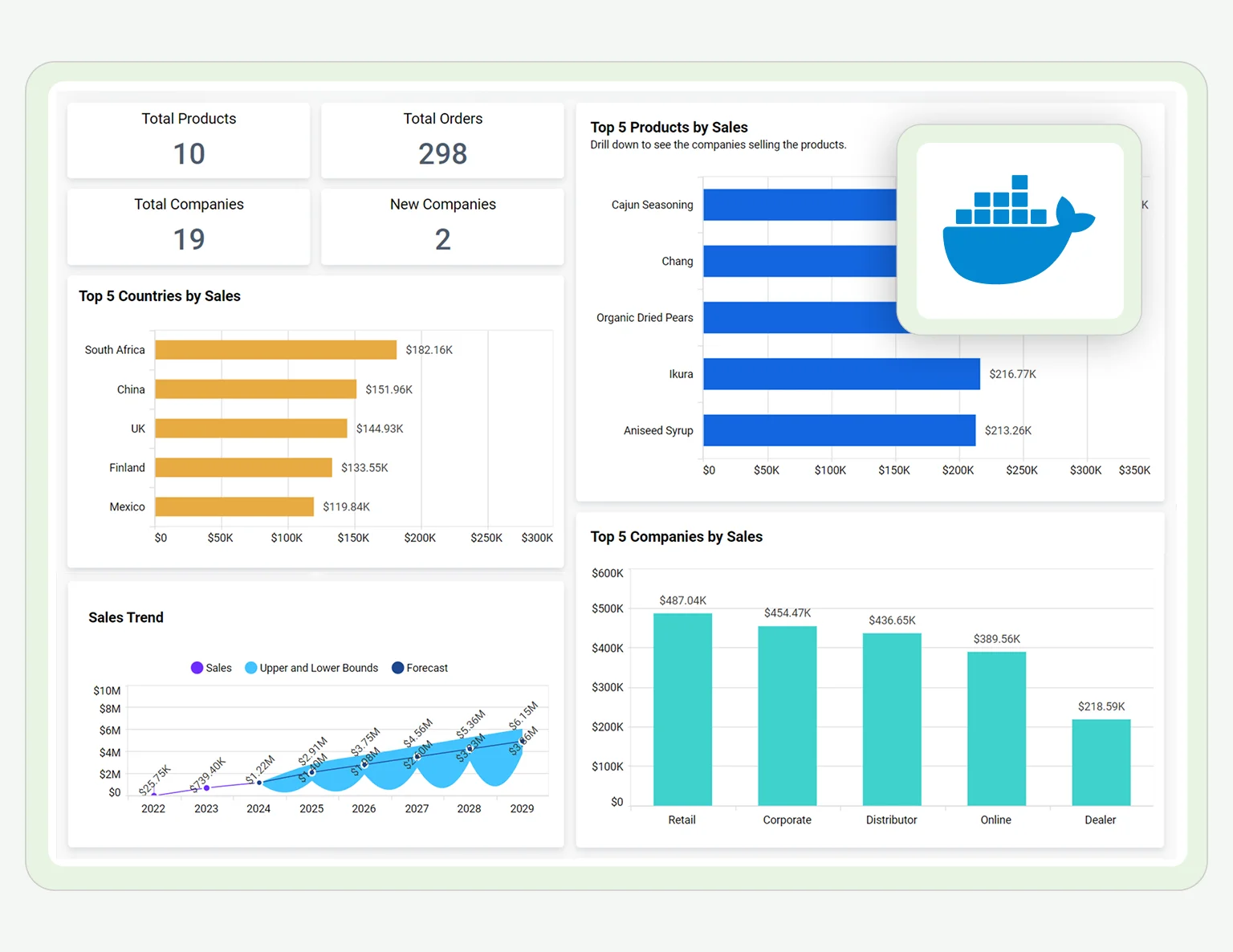
How to Deploy the Dashboard Server Using Docker 02:17

How to Deploy the Dashboard Server Using Docker

How to Set Up OAuth 2.0 Authorization for Google Apps Integration 01:38
How to Set Up OAuth 2.0 Authorization for Google Apps Integration

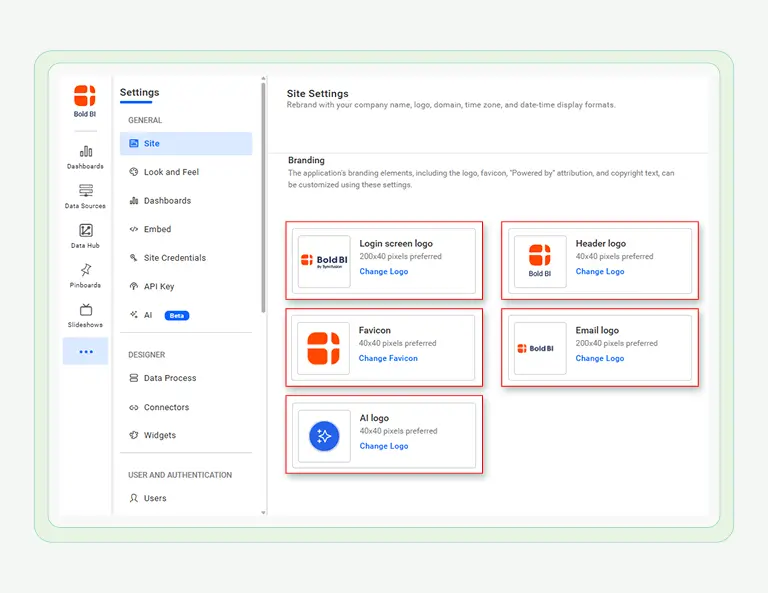
How to White Label Dashboard Server to Match Your Brand 02:37
How to White Label Dashboard Server to Match Your Brand

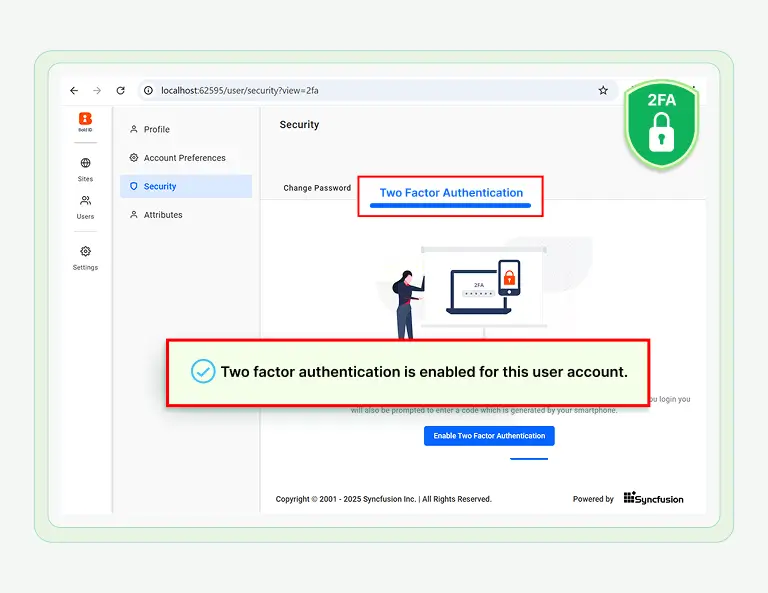
How to Enable Two-Factor Authentication (2FA)  in the Dashboard Server 01:13
How to Enable Two-Factor Authentication (2FA) in the Dashboard Server

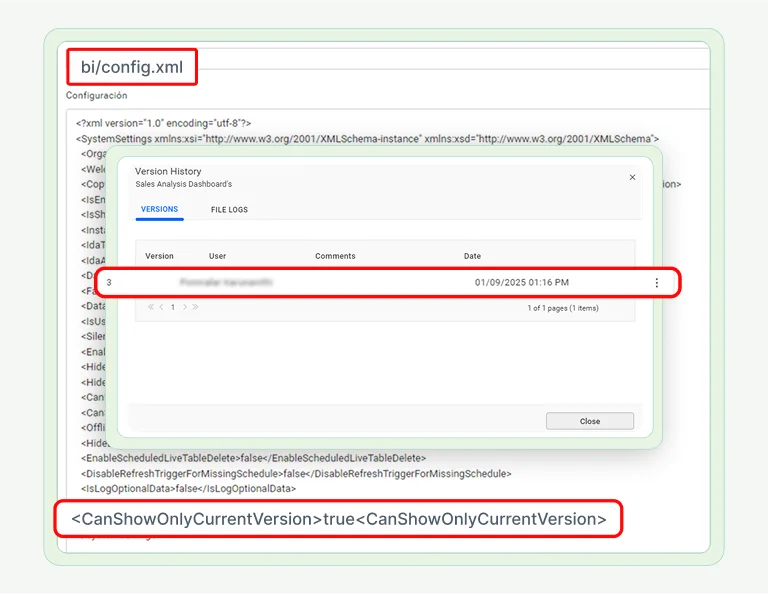
How to Restrict Non-Admin Users from Viewing Dashboard Versions 03:05
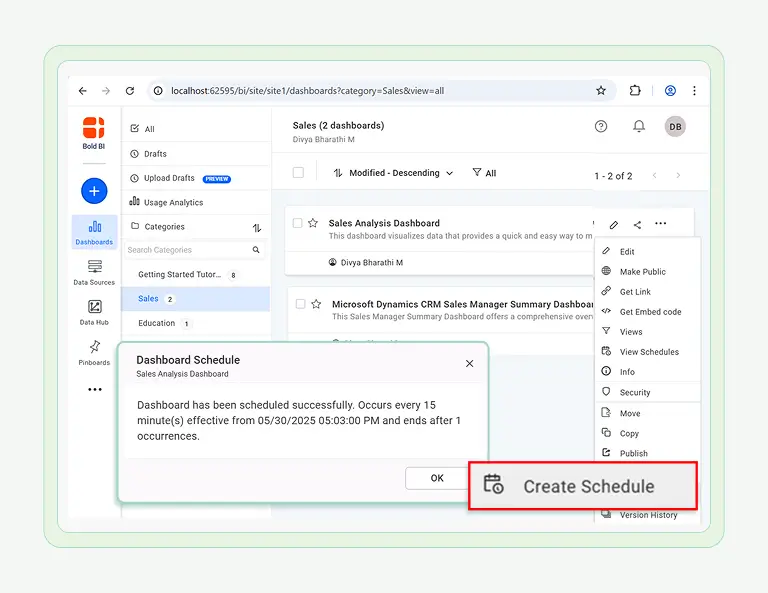
How to Restrict Non-Admin Users from Viewing Dashboard Versions

How to Schedule a Dashboard with Parameters 02:38
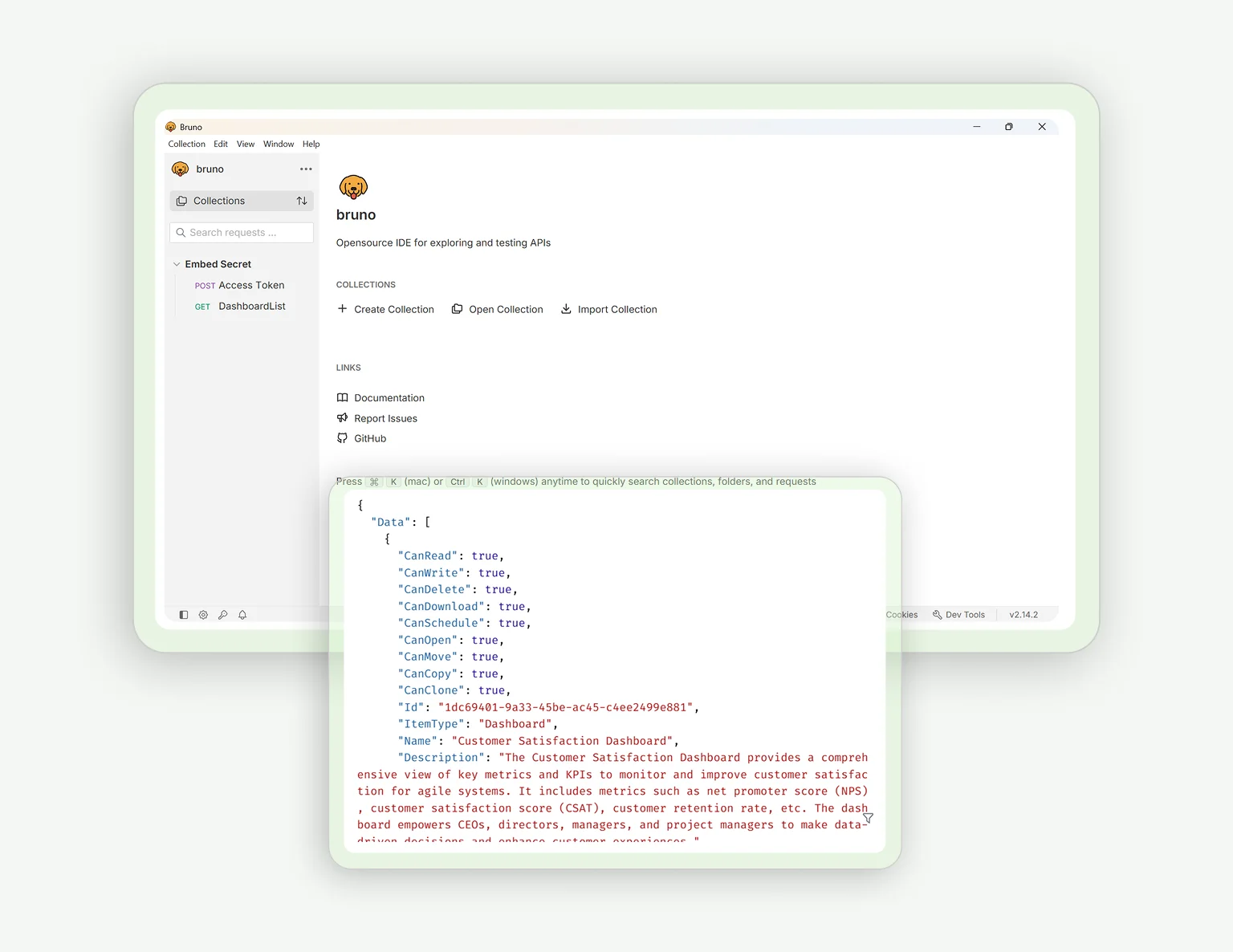
How to Schedule a Dashboard with Parameters

How to Retrieve User-Specific Dashboard Lists via REST API 01:38
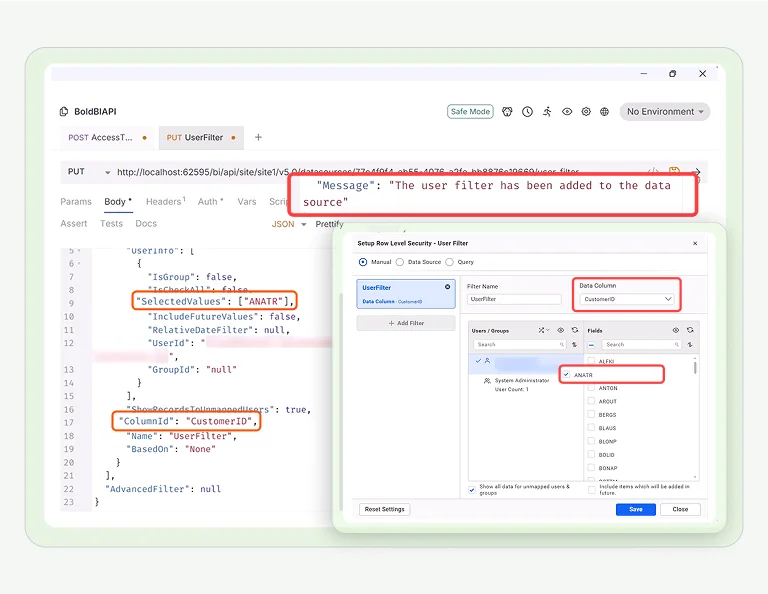
How to Retrieve User-Specific Dashboard Lists via REST API

How to Create User-Based Filters via REST API 03:06
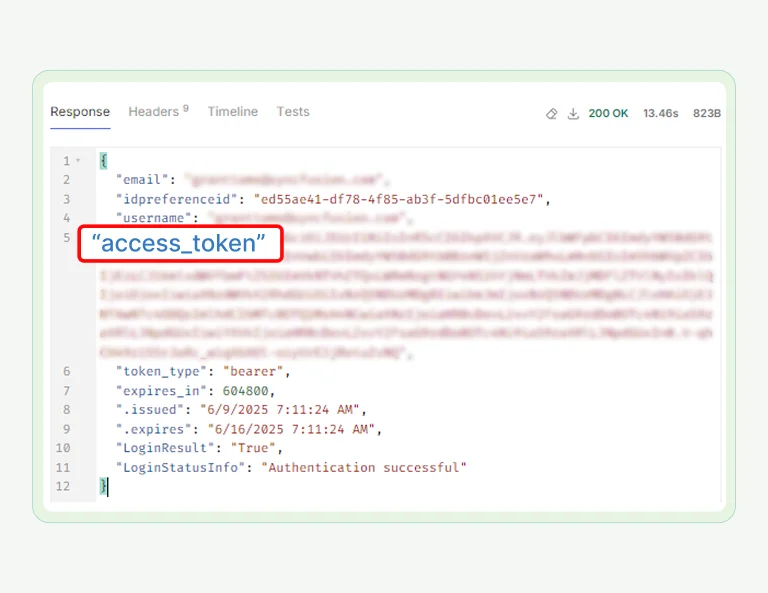
How to Create User-Based Filters via REST API

How to Generate Access Tokens Based on User Type via REST API 01:45
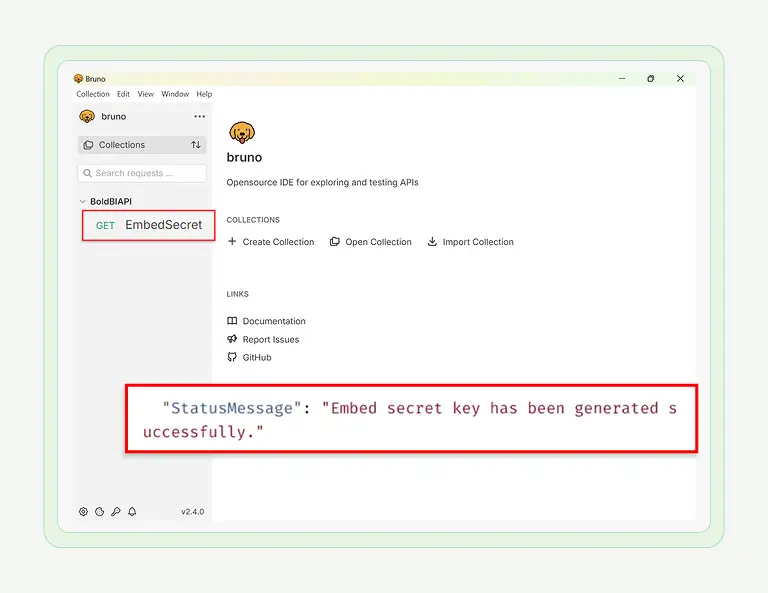
How to Generate Access Tokens Based on User Type via REST API

How to Generate an Embed Secret Key via REST API 02:04
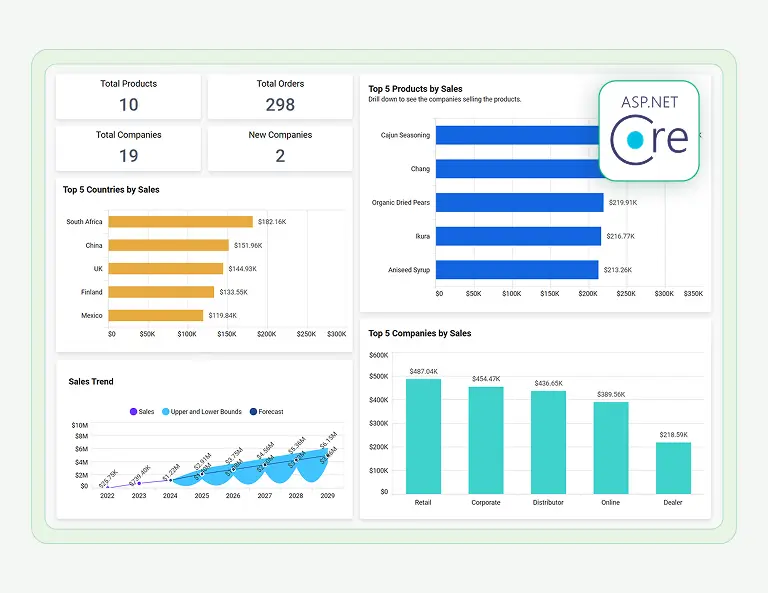
How to Generate an Embed Secret Key via REST API

How to Embed Dashboards in ASP.NET Core Applications 01:53

How to Embed Dashboards in ASP.NET Core Applications

No demos match your filters

Try removing a tag or clearing your search.

Company Overview

0 +

Fortune 500 Companies

0 M+

Developers

0 K+

Companies

0 +

Years in Business

Trusted & recognized

Analytics that wins awards and users.

Recognized by G2, TrustRadius and Visual Studio Magazine for delivering standout performance and value.

I appreciate Bold BI for making it easier to provide reporting for our customers, allowing both our analysts and customers to easily build and publish reports. The ability to build dashboards and modify queries for specific outcomes is very user-friendly. I value the mobile readiness of the app and its integration capabilities with API structures. The addition of AI features is impressive. The economic pricing model and the effective partnership, which includes consistent and helpful support, make it an invaluable tool for our OEM model.

Ravi S.

The support from Bold is unmatched. They do not charge extra for support and it is excellent anyway. All our tickets and questions are quickly answered with authoritative and precise guidance. This is important at the product is complex, powerful and mature. To get the most out of the tool, the level of support they provide is essential.

Murph M.

It was easy to implement data visualizations into our product. The standard widgets allowed us to build professional looking dashboards, and a robust API provided excellent control of the development and runtime process from within our application.

Scott Y.

RECOGNITION

Users Love Us

Visual Studio Reader's Choice - 2025

Leader - Fall 2025

High Performer - Fall 2025 EMEA

Regional Leader - Fall 2025 AMERICAS

TrustRadius Tech Cares

Capterra - 4.9/5

G2- 4.3/5

GetApp - 4.9/5

Software Advice - 4.4/5

Ready to Get Started?

Ready to Try What You Just Saw?

You've seen it in action, now it's your turn. Try it free and start building dashboards with ease.